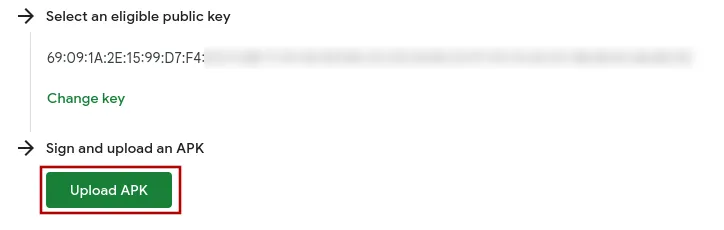
Go back to the package name verification screen in the Google Play Console.
If necessary, click "Upload APK" to open the dialog where you can upload the APK file.
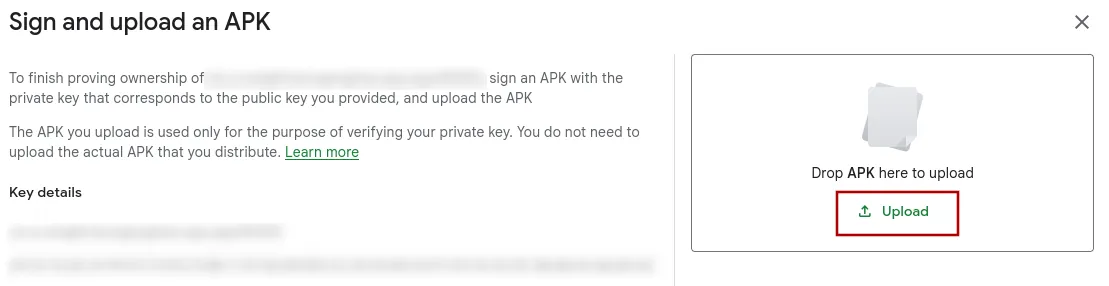
Upload the APK file you just downloaded to the Google Play Console.
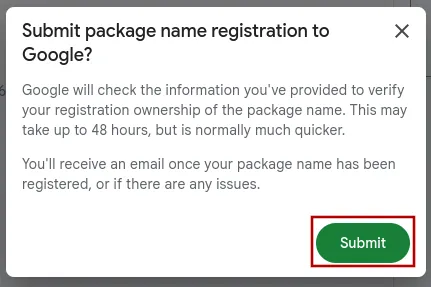
Click the "Submit" button at the bottom right.
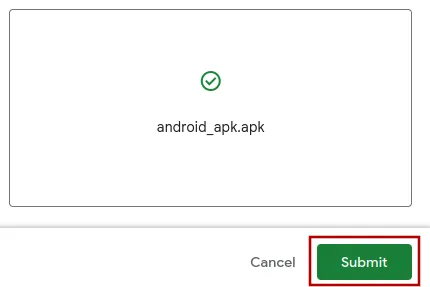
In the dialog that pops up, click "Submit" again. It says that it can take up to 48 hours, but typically the verification is instant and you can immediately continue with the next steps.
 I've completed all the steps in this guide
Once you've completed all the steps in this guide, please click this button so you can continue with the next guides.