Whenever Apple sees a cookie banner, they want you to remove it and instead request the app tracking transparency permission. This permission would ask the user for permission to access the device identifier that can be used for tracking.
Since you don't actually need the device identifier, it's enough to remove the cookie banner.
You can either hide the cookie banner on your website or only inside the app. This guide explains the different ways to hide parts of your website inside the app.
Afterwards you can test it in your app preview.
Submitting the app for review again
If this was the last or only app rejection reason, please follow these steps to submit your app for review again:
Go to the version page by clicking "Distribution" at the top of your screen or the version number in the menu on the left.

Now click the "Update Review" button at the top right.
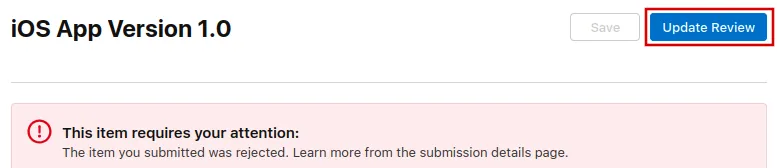
Afterwards, click "Resubmit to App Review" on the next page that opens.

It should then say "Waiting for Review".