If you’ve tried to figure out how to turn your Wix website into an app, you’ve probably gone in circles. Wix does have a mobile app builder. It’s built into their platform and connects nicely to everything you already use, like your store, bookings or member areas.
The catch is that it doesn’t take your existing website and turn it into an app. Instead, it gives you a separate editor where you create a mobile app version of your product.
So while your data is shared, the interface isn’t. You’re effectively building a second frontend that happens to run on the same backend.
Why this is frustrating
Most people aren’t trying to build a second app from scratch. They already have something that works. Their Wix site is live, designed, and used by real users.
What they actually want is simple: take that exact experience and make it available as an app, without redoing everything.
Having to recreate screens, rethink navigation and maintain another version of your product defeats the whole point of using a website builder in the first place.
A simpler way to think about it
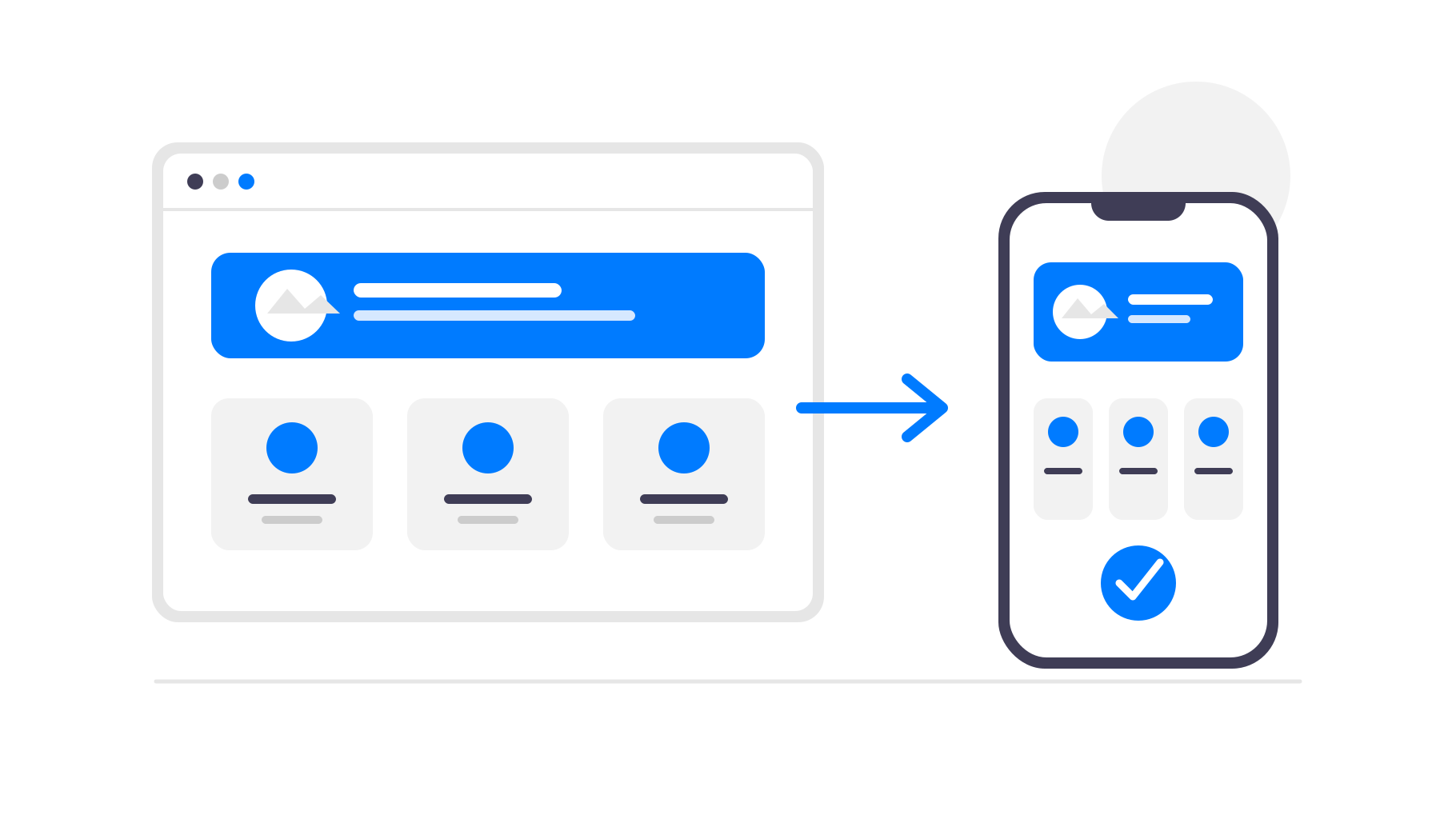
Instead of rebuilding your Wix site inside another tool, you can turn it into an app by wrapping it in a native mobile container.
This approach doesn’t touch your existing site. Your Wix website stays exactly as it is and continues to handle everything, from layout to content to logic.
The app simply loads your site and adds the things a browser can’t provide, like push notifications and home screen access.
From a user’s perspective, it behaves like a normal app. From your perspective, nothing really changes.
Why this works with Wix
Wix websites are already mobile-friendly and structured in a way that translates well to apps. Pages, dashboards, user flows, all of that is already there.
In many cases, the only thing that makes it feel like a website is the browser around it.
Once that layer is gone, the experience feels much closer to an actual app without needing to redesign anything.
Why webtoapp.design is a better fit for this
Instead of giving you another editor or forcing you to recreate your interface, webtoapp.design takes your live Wix website and turns it into a mobile app directly. Your design, layout and structure stay exactly the same. There’s no second version to maintain and no need to rethink how your product works on mobile.
That also means your workflow doesn’t change. You keep managing everything inside Wix, just like before. Whenever you update your website, those changes are immediately reflected in your app as well. There’s no syncing, no duplication and no extra steps.
At the same time, you get the benefits of a real app. Your users can install it from the App Store or Google Play, open it from their home screen and receive push notifications. From their perspective, it feels like a native app. From your perspective, it’s still the same website you already built.
This approach makes the most sense when your Wix site is something people use regularly, not just visit once. If users come back often, removing the browser and making access easier can have a noticeable impact on engagement.