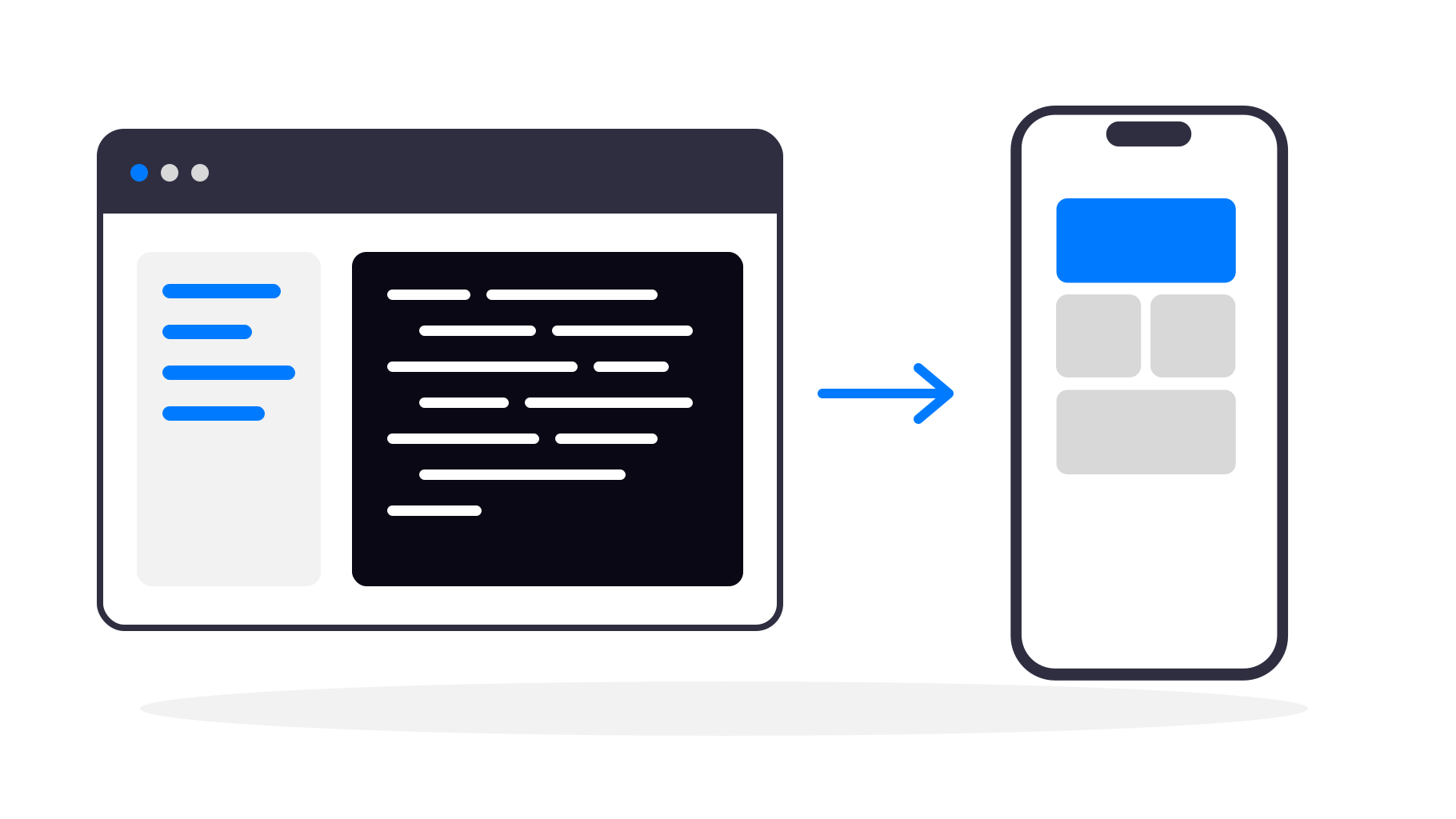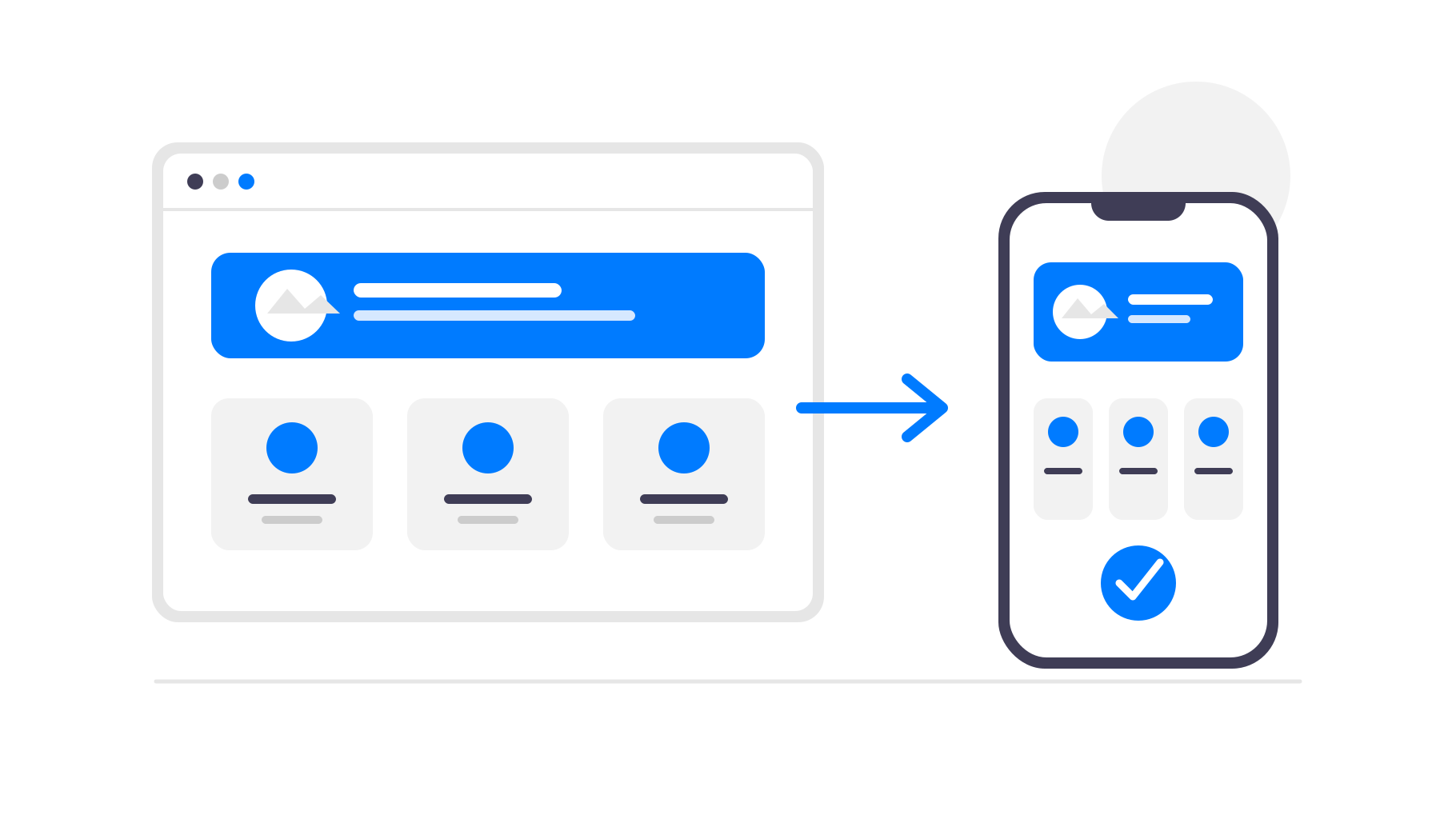
Anyone using Base44 already knows how fast it is to build full web-apps just by describing what you want. Dashboards, user logins, databases, workflows - all without traditional coding. But while a Base44 app works great in a browser, many founders and teams want more: a real mobile app on iOS and Android.
That’s exactly what webtoapp.design is built for. In fact, webtoapp.design has already converted over 2 500 Base44 websites into native mobile apps, without customers having to rewrite their product or maintain separate mobile codebases.
Here’s how it works and why it makes sense.
Why Turn a Base44 Web-App into a Native Mobile App
Your users expect an app
A mobile app is easier to access than a bookmarked website. It lives on the home screen, opens instantly, and feels like a first-class product instead of just a web app in a browser.
Push notifications drive engagement
Base44 apps often rely on email or in-app messages. With a native app, you can send push notifications directly to users’ phones - a proven way to increase return visits and engagement.
App Store presence builds trust
Being available on Google Play and the Apple App Store adds credibility, especially for SaaS products, internal tools used daily, or customer portals.
No rebuild, no duplicate work
Your Base44 project stays exactly as it is. webtoapp.design wraps your existing web-app in a native container, so your Base44 app remains the single source of truth. Any changes you make in Base44 will automatically show up in the app too.
Why use webtoapp.design Instead of Base44's Built-in mobile App Builder
Base44’s built-in app builder is still very new and not yet fully mature. Users frequently report bugs, stability issues, and unexpected behavior. In addition, there is currently no support for in-app purchases, which makes it unsuitable for many monetization models. Apps generated with Base44 also tend to have a large download size and often do not work properly on older Android and iOS versions - in some cases showing only a blank white screen. On top of that, the publishing guide provided is very basic, even though the app store submission process is complex and requires detailed configuration, compliance checks, and ongoing maintenance. webtoapp.design provides a more robust, production-ready system with full publishing support, smaller app sizes, better device compatibility, and a structured submission workflow designed to help you get approved without unnecessary delays.
How Converting a Base44 App Works
Turning a Base44 web-app into a mobile app is mostly a setup and configuration process, not a development project.
Step 1 - Use Your Existing Base44 URL
You simply provide the URL of your Base44 app. It can be a custom domain or a Base44-provided subdomain - both work.
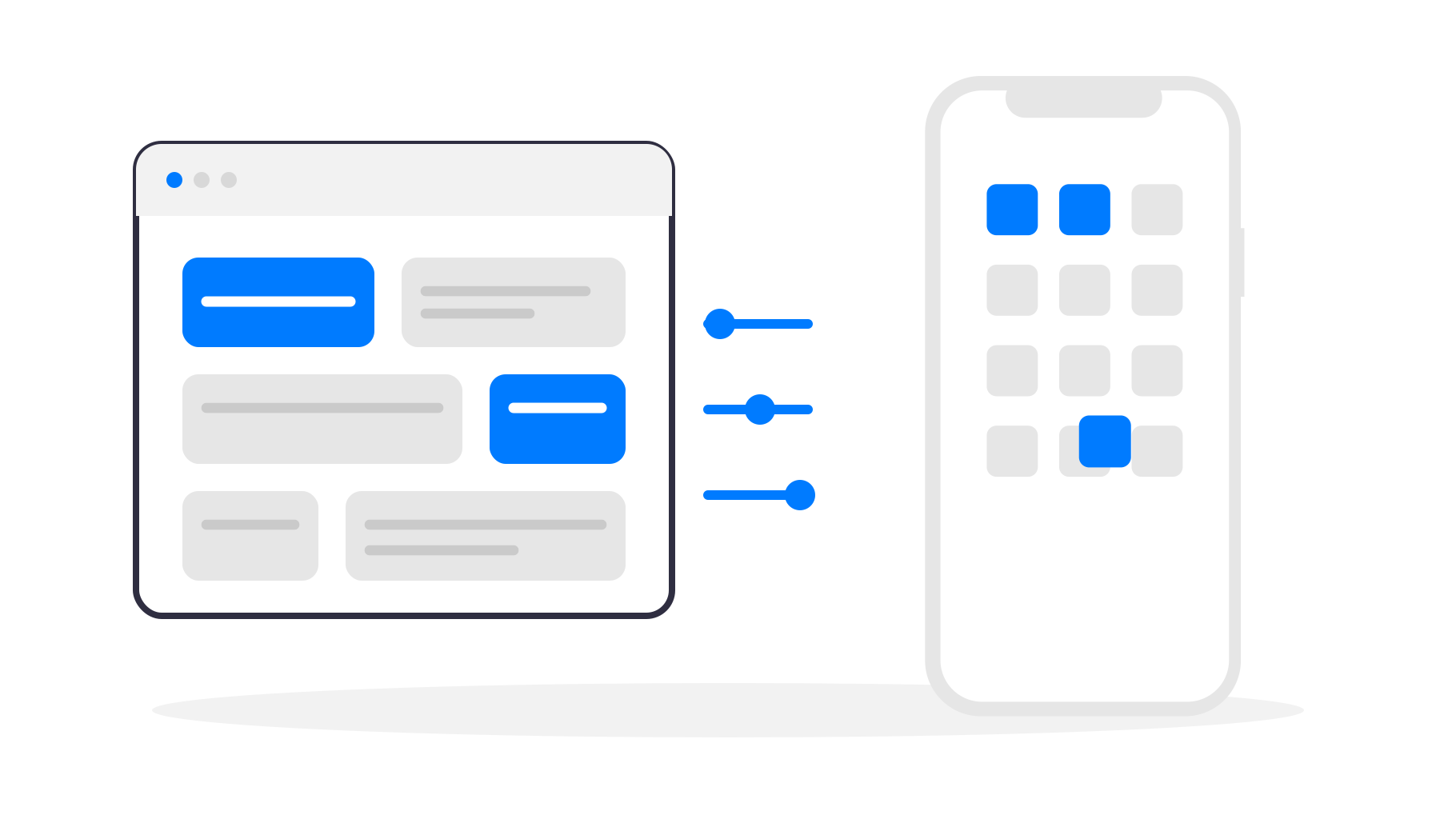
Step 2 - Configure the App Look & Feel
Inside webtoapp.design you configure:
App name
App icon
Splash screen
Navigation (bottom bar, menu, etc.)
Colours and basic styling
This is what gives your app a polished, native feel.
Step 3 - Enable Native Features
On top of your Base44 web-app, you can enable native features such as:
App links (automatically open your app when a link to your website is clicked)
Your Base44 logic, authentication, and database remain untouched.
Step 4 - Publish to the App Stores
When everything looks right:
Publish the Android app using your Google Play Developer account
Publish the iOS app using your Apple Developer account
webtoapp.design guides you through screenshots, store listings, and technical requirements - making it easily manageable even if it’s your first time publishing an app.
Who This Is Ideal For
SaaS founders launching a mobile version fast
Internal tools that benefit from push alerts and mobile access
Startups validating mobile demand without new development
Businesses with Base44 portals users want on their phones
The fact that webtoapp.design has already converted 2 500+ Base44 projects into mobile apps shows that this approach scales well - from small tools to production SaaS products.
Final Thoughts
You don’t need to learn Android or iOS development to bring your Base44 app to mobile. You keep building exactly as you do today in Base44, and webtoapp.design turns that work into polished native apps with push notifications and App Store presence.
If your Base44 web-app already works well, converting it into a mobile app is the fastest way to expand your reach - without slowing down your development or duplicating effort.