Replit makes it incredibly easy to build and deploy web apps. You can write code in the browser, hit run, and have a live website in minutes. For many projects, especially those built with React, this is more than enough to launch and grow a product.
At some point though, many Replit users hit the same question: “My app works great on the web, but how do I turn this into a real mobile app?”
This article explains how to convert a Replit-built website into an Android and iOS app using webtoapp.design, without rewriting your project or switching to a different framework.
Replit websites vs native apps
Replit is flexible. In theory, you can build mobile apps with React Native or similar frameworks. In practice, most people on Replit use regular React (or other web frameworks) and end up with a website, not a native app.
That’s not a mistake. Web development is faster, easier to debug, and easier to maintain. The downside is that a website, even a very good one, still runs in a browser.
That means:
No proper home screen presence
No reliable push notifications
Browser UI around your product
Limited access to native features
If your Replit project already works well on mobile browsers, you don’t need to throw it away and start again with React Native. You can turn the existing site into a native app.
When a Replit website is a good fit for an app
Most Replit projects that turn into apps have one thing in common: users come back regularly.
That could be a tool, a dashboard, a community platform, a content product, or a SaaS. If people open your Replit app multiple times a week, an installed app removes friction. One tap from the home screen is simply faster than opening a browser and finding the right tab.
Another good sign is when your app already feels “app-like”. Single-page React apps built on Replit usually have smooth navigation, dynamic content, and clear user flows. Those translate very well into a mobile app container.
Why not rebuild with React Native?
Rebuilding a working Replit web app as a native app sounds tempting, but it usually comes with hidden costs.
You introduce a new codebase, new tooling, and new bugs. Development slows down because every feature has to be tested separately for web, Android, and iOS. For solo developers and small teams, this often becomes a maintenance burden.
If your goal is simply to have a presence in the app stores and give users a better mobile experience, a full rewrite is rarely necessary.
The web-to-app approach
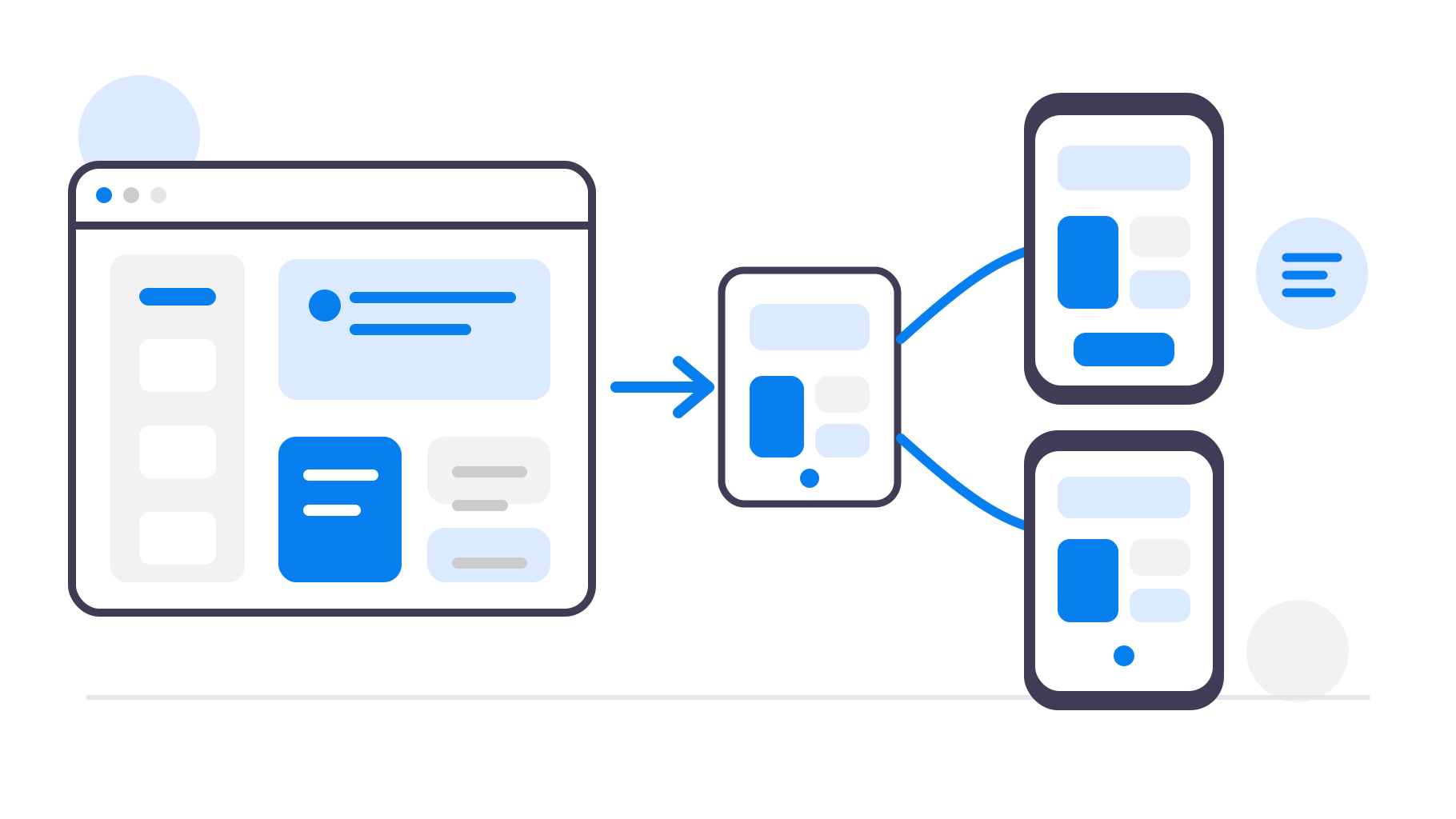
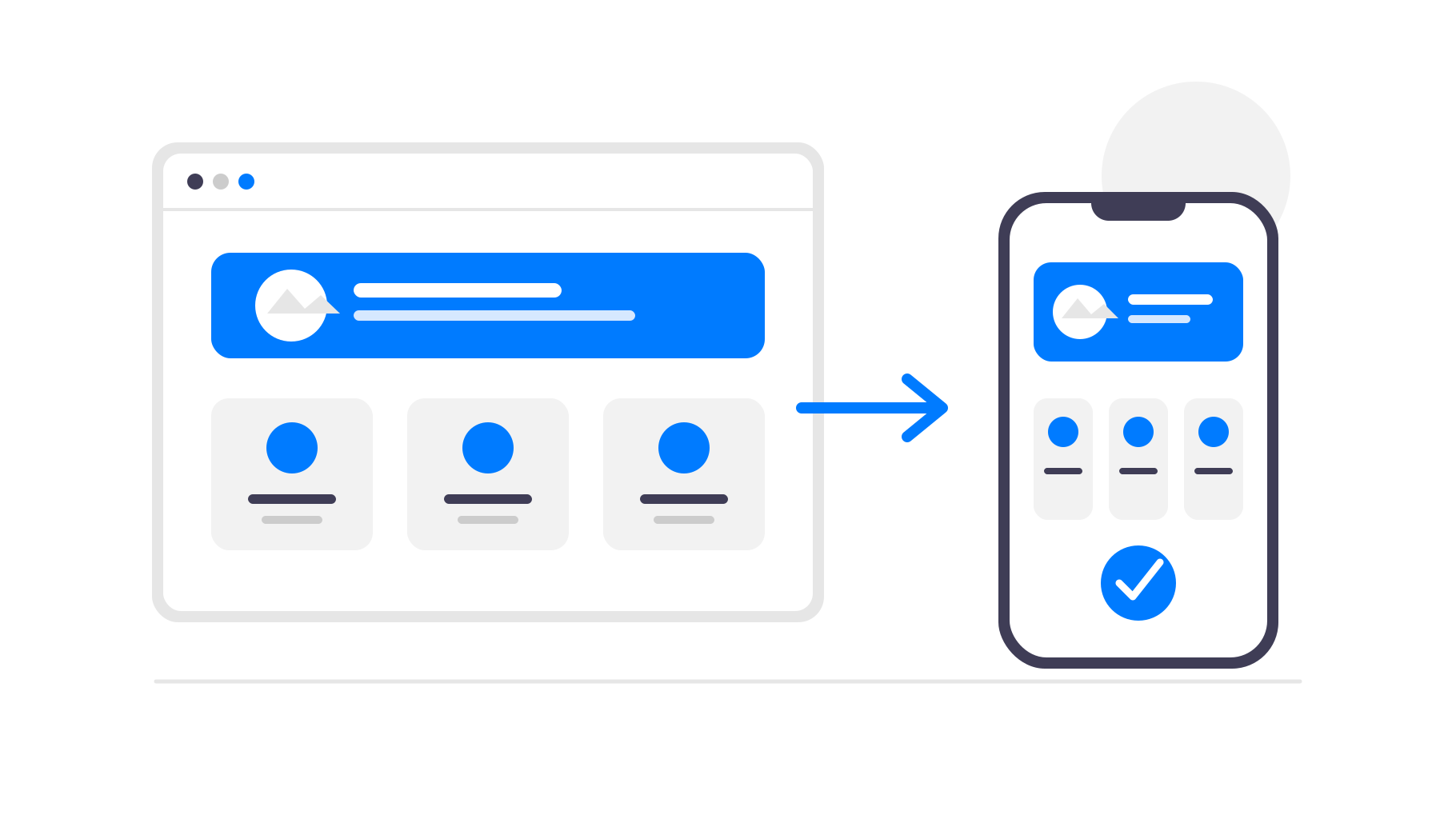
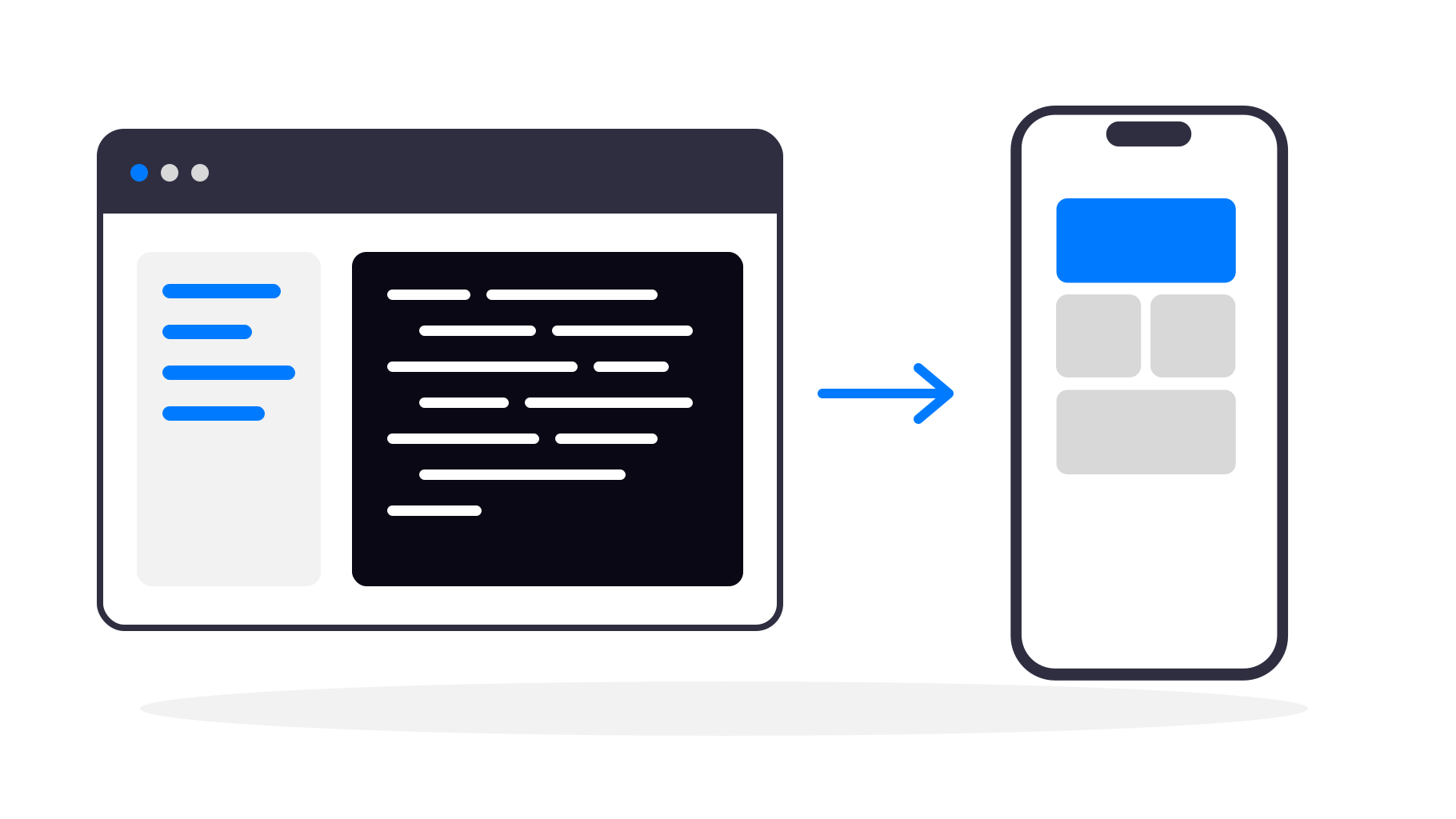
A web-to-app solution wraps your existing website in a native app shell. Your Replit app continues to run as a website, but users experience it as a real mobile app.
The website remains the single source of truth. You deploy updates on Replit as usual, and the app automatically reflects those changes. There is no duplication of logic or content.
This approach is especially well suited for Replit projects, because deployment is already simple and stable.
Converting a Replit website with webtoapp.design
With webtoapp.design, converting a Replit website into an app is a configuration step, not a development project.
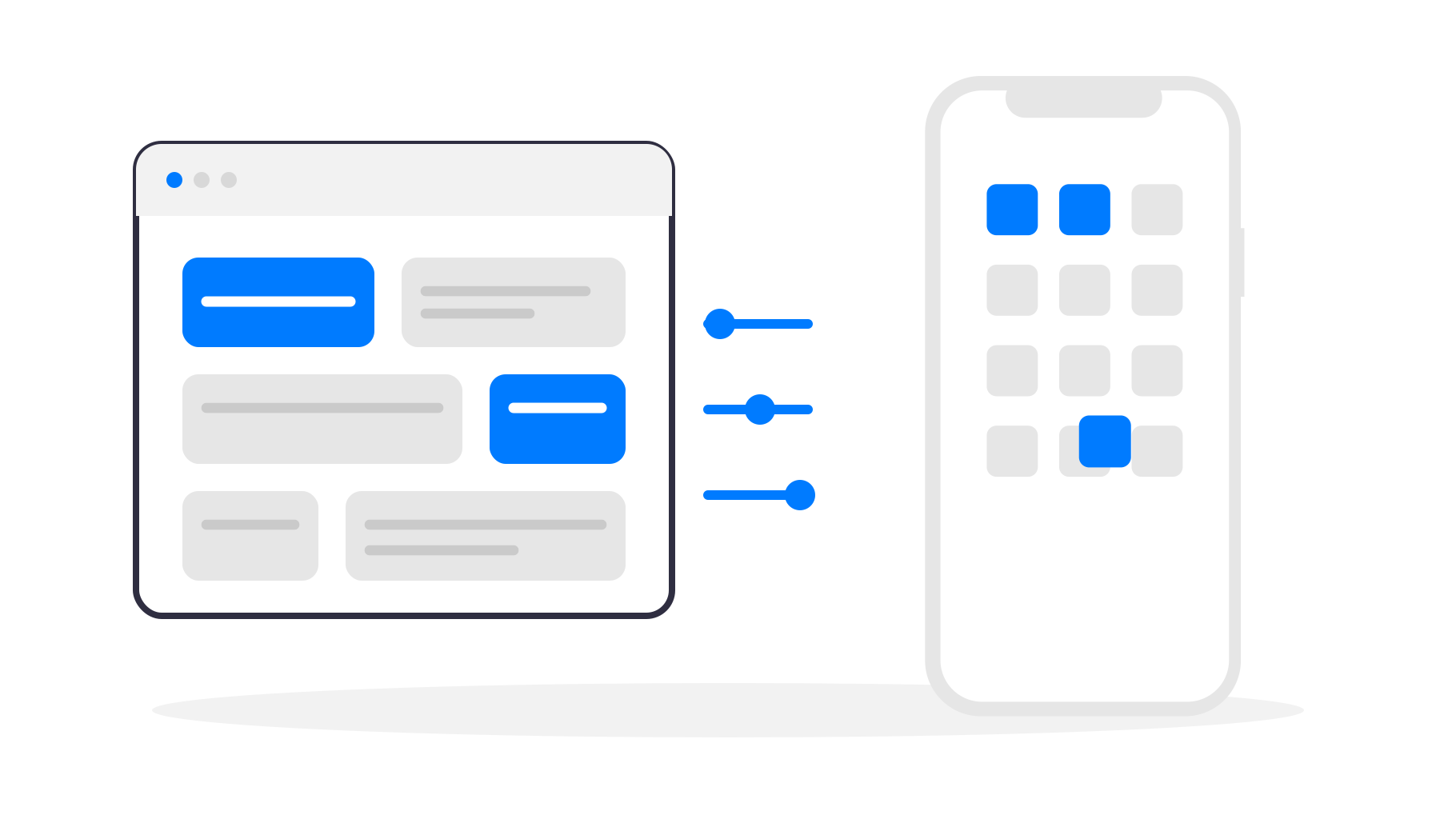
You start by entering the public URL of your Replit app. From there, you define how the app should look and behave on mobile. This includes branding, app icon, splash screen, and native component behavior.
Once the app is generated, you get a preview and will be guided through the entire app store publishing process. If you were to go with Replit's React Native approach instead of webtoapp.design, you'd have to use Expo and figure out all the technical aspects of publishing your app yourself.
From the user’s point of view, there is no difference between your app and any other native app they install. You keep full ownership, full control, and full flexibility. Replit remains your development platform, and webtoapp.design handles the mobile layer. When you push an update to Replit, users see it in the app without waiting for an app store update.
What you gain compared to a plain website
The biggest difference is how users interact with your product. An installed app lives on the home screen. It opens instantly and fills the entire screen, without browser chrome. Push notifications allow you to bring users back at the right moment, whether that’s a new feature, a message, or an important update. Together, these details change the perception of your product from “a website I sometimes use” to “the app I rely on”.
The takeaway
Replit is excellent for building web apps quickly. Most developers on Replit use regular web technologies, not React Native, and that’s perfectly fine.
If your Replit website already works well on mobile and users come back regularly, turning it into an app does not require a rewrite. With webtoapp.design, you can convert your existing Replit project into Android and iOS apps while continuing to build exactly the way you do today.
You keep the speed of web development and gain the benefits of native apps — without choosing one over the other.