Lovable makes it easy to build modern web apps quickly. Many of those apps reach a point where users start asking for a mobile app, not because the website is lacking, but because the product itself feels app-like already and they want to quickly access it from their homescreen.
If your site was built with Lovable, converting it into an Android and iOS app is usually a straightforward next step. You don’t need to rebuild your product, change your tech stack, or maintain separate versions. You can turn the existing website into a native app and keep using the web as your single source of truth.
When a Lovable website is ready to become an app
Most websites created with Lovable already work well on mobile. Layouts adapt to smaller screens, interactions are touch-friendly, and user flows feel more like a web app than a traditional page-based website.
That combination is important. A Lovable website is a good candidate for an app when users return frequently, perform repeat actions, or rely on the product as a tool rather than a one-time read. In those cases, an app doesn’t replace the website, it removes friction. Opening the product becomes faster, more reliable, and part of the user’s daily routine.
If your Lovable site already feels comfortable to use on a phone browser, it will work great when converted into an app.
Why turning a Lovable website into an app makes sense
A browser is always a small barrier. Users have to open it, find the right tab or bookmark, and deal with browser UI. A mobile app removes all of that. The product lives on the home screen and opens with a single tap.
An app also allows you to reach users proactively. Push notifications make it possible to send updates, reminders, or important messages directly to their devices. This alone often increases retention significantly, especially for tools, communities, and content-driven products.
On top of that, native apps simply feel more polished. Splash screens, smooth transitions, offline handling, and a full-screen experience all contribute to a more professional impression. Being listed in Google Play and the Apple App Store adds an extra layer of trust that many users subconsciously expect.
Don’t rebuild your Lovable project as a native app
When people think about mobile apps, they often assume a full rewrite is required. That usually means separate Android and iOS codebases, higher costs, slower development, and long-term maintenance overhead. This is especially troubling when using Lovable, which is known for allowing quick development cycles.
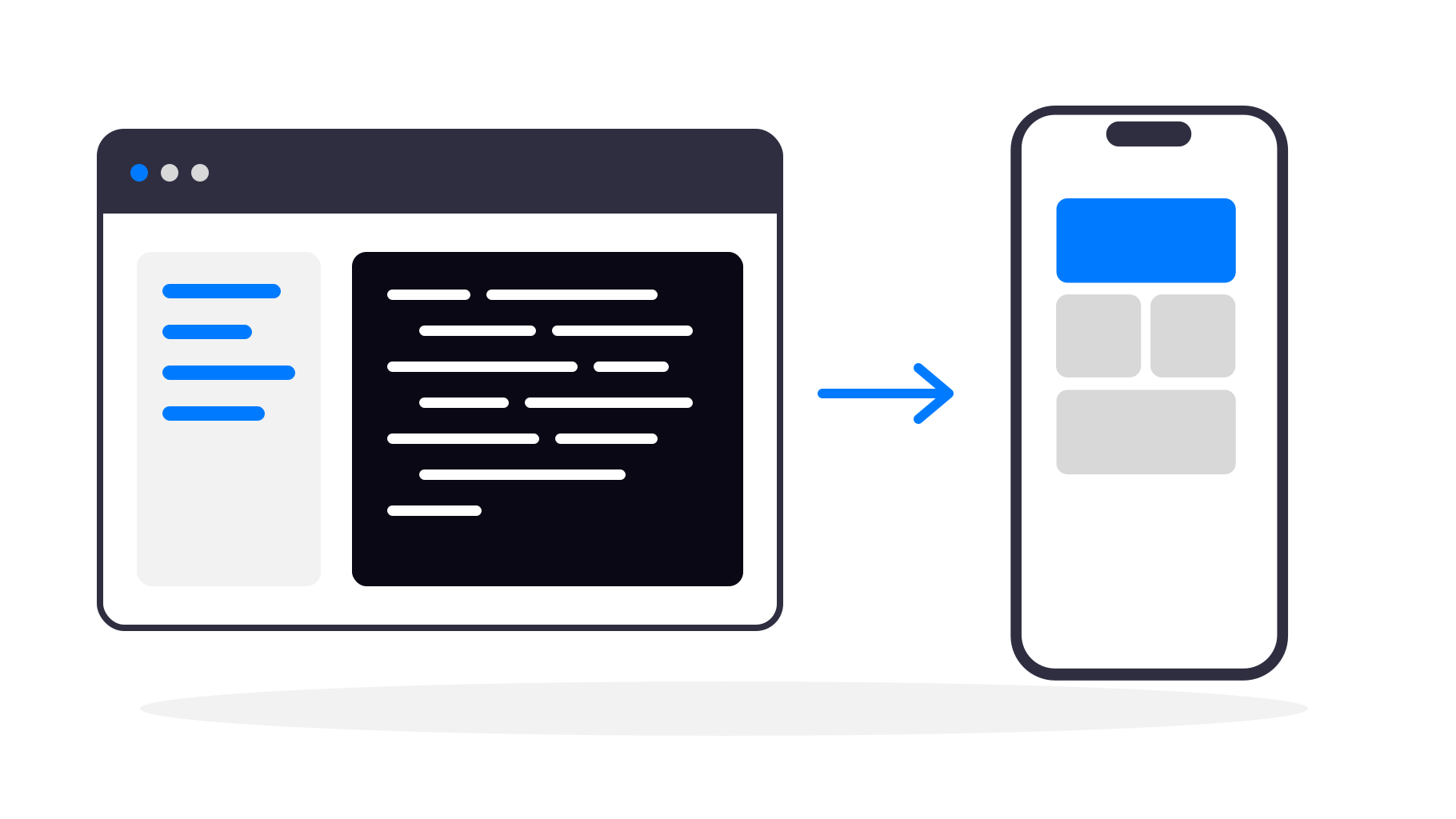
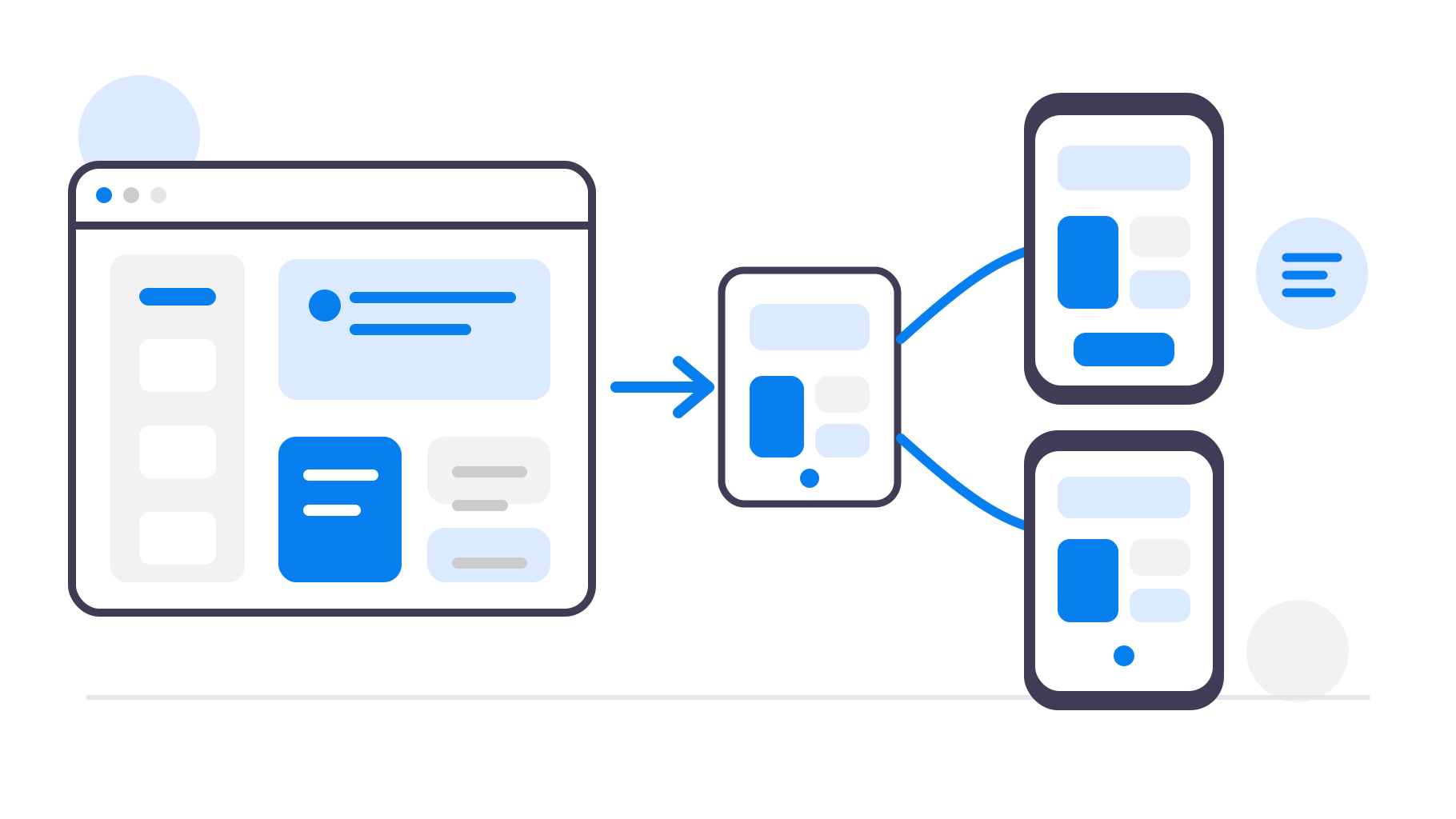
A web-to-app solution wraps your existing Lovable website inside a native app container. The website remains unchanged and continues to power everything, while the app provides the native shell and mobile-specific features. Your product stays web-based, but users experience it as a real app.
Converting a Lovable website with webtoapp.design
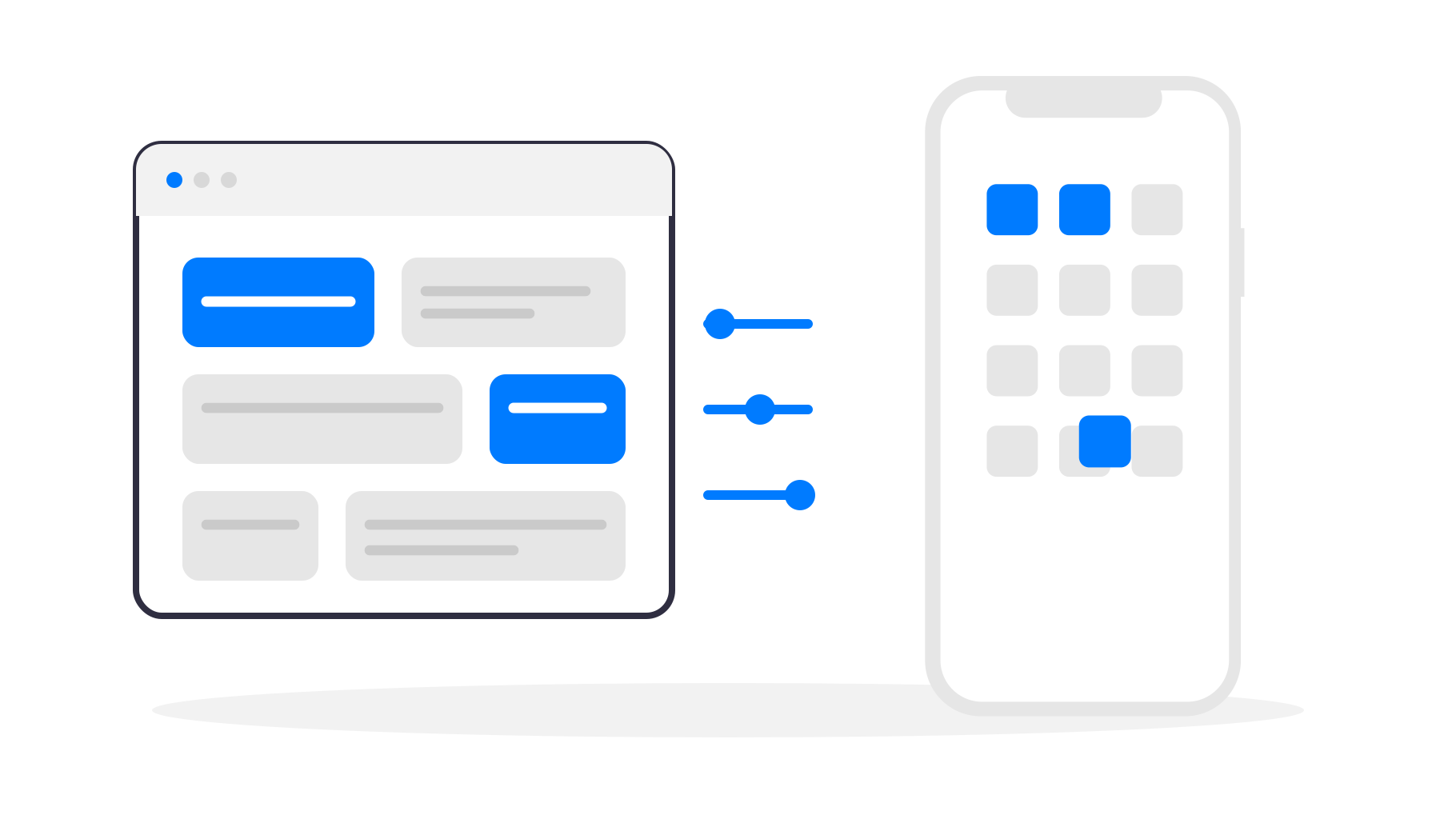
With webtoapp.design, the conversion process focuses on configuration rather than development. You start by providing the URL of your Lovable website (can be your own or a lovable.app domain - you can change it later), then define how the app should look and behave. Branding, icons, splash screens, and navigation are configured once and applied consistently across platforms.
The great part is that your website remains the single source of truth. When you update your Lovable project, those changes appear in the app automatically. There is no duplicated content and no need to publish an app update every time you change your website.
Turning a website into an app users actually enjoy
The real value of an app comes from the native layer around the website. Push notifications work out of the box and enable direct communication with users. Native navigation and full-screen display remove browser distractions and make the product feel focused. If you want to go a step further, you can add native-only features like fingerprint/face ID authentication.
These are small details individually, but together they change how users perceive your product. What used to feel like “a website on my phone” starts to feel like “the app I use for this”.
Publishing your Lovable app
Once your app is ready, it can be published to Google Play and the Apple App Store using your own developer accounts. You're guided through the entire process and don't need to worry about code, compiling or any other technical details.
From the user’s perspective, there is no difference compared to any other native app. It can be installed, updated, reviewed, and trusted in the same way.
You keep full ownership of your app and your users, while continuing to develop your product exactly as you did before, on the web.
The bottom line
Lovable is great at helping you build web apps quickly. If users already enjoy using your product on their phones, turning it into a mobile app is a natural next step. If you call your software an app, users want to download it from the app stores.
With webtoapp.design, you don’t need to rebuild anything or change how you work. You take the Lovable website you already have and turn it into a real Android and iOS app that feels native, polished, and easy to access.
If your Lovable website is already working well on mobile, you’re much closer to having an app than you might think.