No matter what operating system (Android or iOS) your app is for, reviews in the Play Store or App Store have a massive impact on the success of your app.
Why Are Reviews Important?
Reviews influence whether a potential user looking at your app will download it or not. Users look at ratings to judge the value of an app at a glance. After reading your app’s description, they might be interested in downloading it however they could be deterred when they see mediocre reviews.
According to Apptentive, a trend analytics firm, 79% of consumers take reviews into account when downloading an app. This alone should be reason enough to put effort into collecting as many positive reviews as possible, but there’s more. For users to even consider downloading your mobile app, they need to find it in the app store first. If you want to have any chance at being ranked at the top of the search results for terms other than your brand name, you need to work on your ASO (App Store Optimization). To put it shortly: the reviews of your apps matter a lot. Like, a lot a lot.
But now that we know how important good ratings are for an app, how can we get them?
How to Get Users to Rate Your App
Most users don’t just think about going to the app store to rate apps they use. They usually only do so when they want to complain about something or suggest a new feature. In both of these cases you won’t be getting many 5-star reviews. This is why you need to find smart ways to encourage your satisfied users to rate your app.
Fake Reviews
As always, you will have people trying to game the system, for example by purchasing fake positive reviews. We would advise you to stay away from that, as it could very well happen that you see your app taken out of the app stores if such illegitimate activity is detected.
Rating Popups
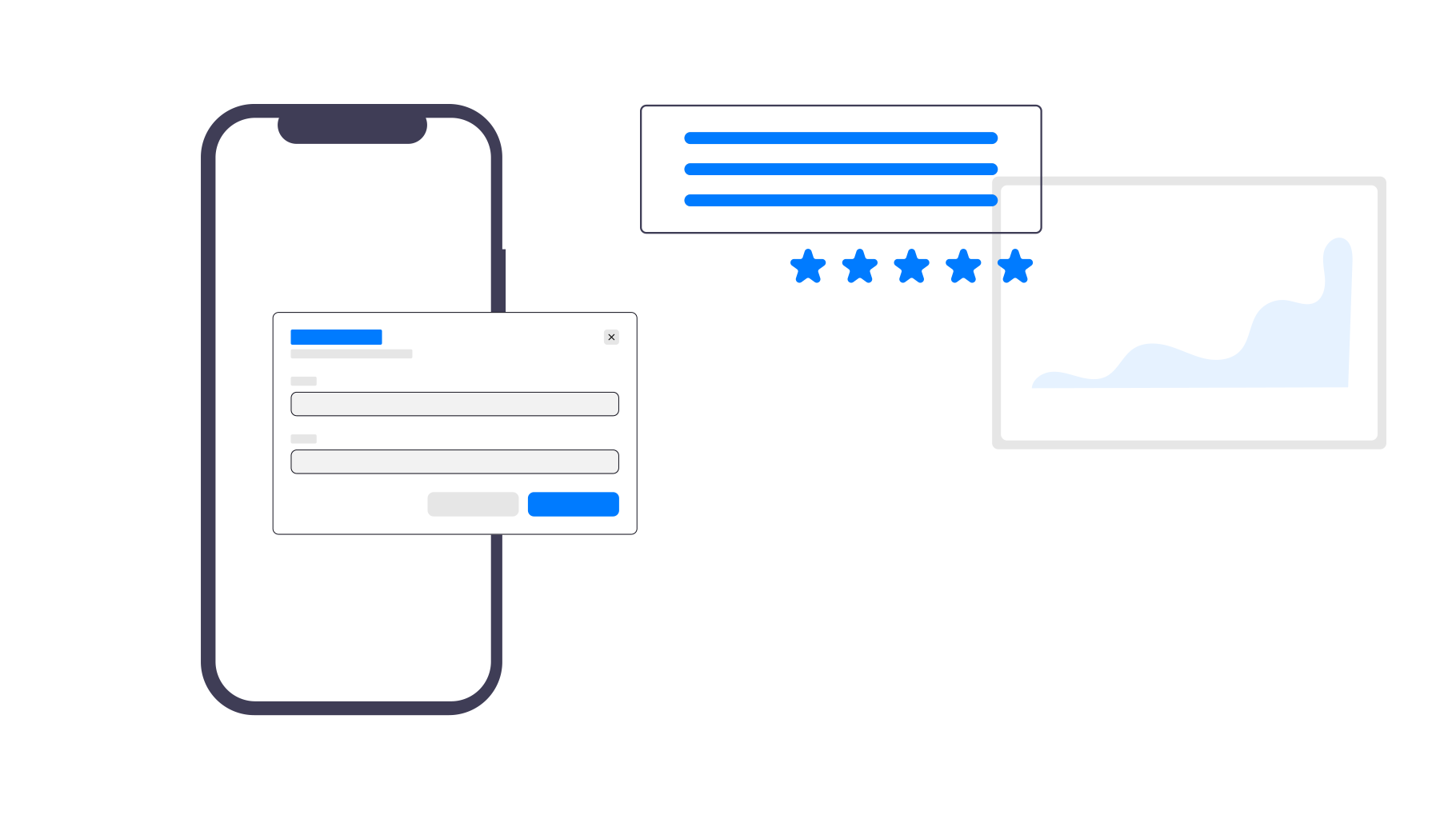
Rating popups are a very efficient way to increase the number of ratings. You should see a striking difference in the number of users that rate your app after you start using these reminders. In their most basic form they simply consist of a small popup message asking the user to write a review for the app they’re using.
In the apps created with webtoapp.design, the popup looks like this by default:
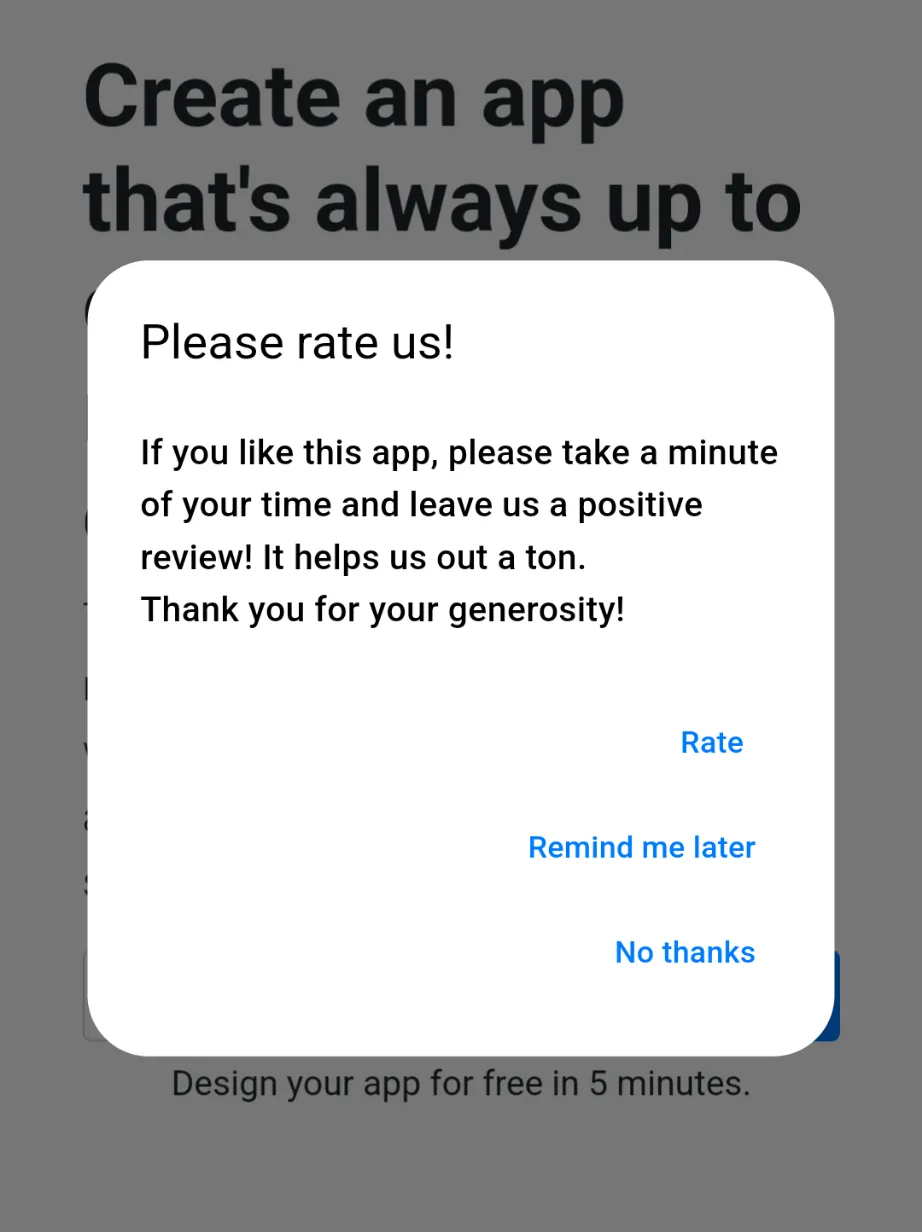
When a user clicks on "Rate", they will be sent to your app's page in the Google Play Store or Apple App Store, depending on their device type. There they can leave the rating.
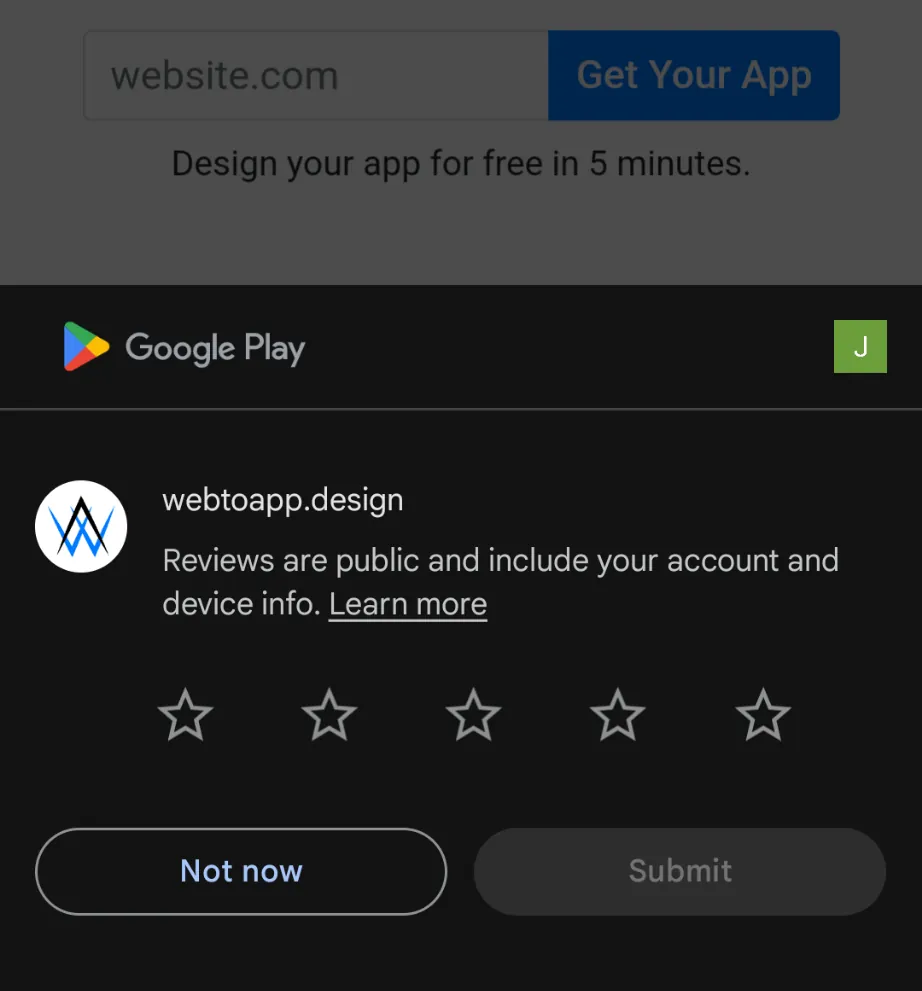
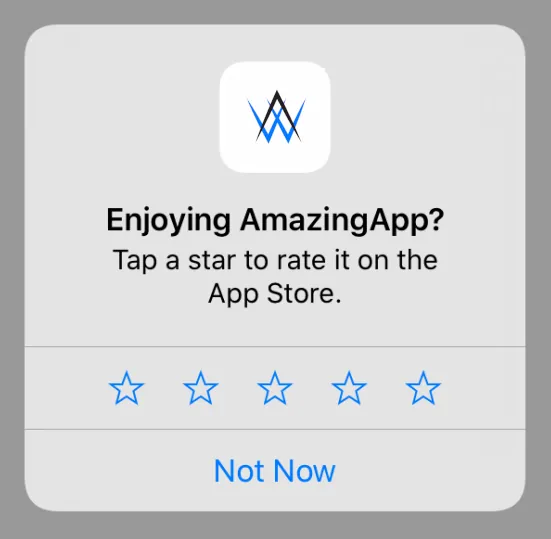
You can also adjust some settings related to the review reminder dialog. For example you can change it so the app displays the operating system's built-in review popup. This has the benefit of being more convenient than being sent to the app store page, but the disadvantage is that there is no "Remind me later" function. If the user doesn't rate the app then, you can't ask them again for a long time. The native review reminders look like this on Android and iOS:
Optimizing Popups
But you can’t just throw popups in randomly and expect them to bring amazing results. You have to be smart about it and optimize the review reminders to make the most out of them.
- Timing: You want to show the popup after your app has given the user a good experience and provided value for them. There are many different ways to measure these aspects, for example Youtube might show a review reminder only after you have watched 5 videos. There are other easy — app independent — ways to measure this though too. For example, you could show the popup only when the user has opened the app more than 5 times and has installed it at least 14 days ago, which is how apps created with webtoapp.design handle it.
- Asking the right Users: Just like you don’t want to ask new users who have barely used your app for a review, you also don’t want to ask unhappy users. That’s why it’s a good idea to filter the users by asking them whether they like the app first. Only if they say yes to that you ask them to leave a review in the app store. In case they say they aren’t happy with your app it makes sense to ask them to contact your support so you can help them with their issues. This is known as review gating and is a grey area. To avoid any conflicts with Google/Apple policies, we do not do this in apps we create.
- Frequency: You don’t want to annoy your users with too many popups as they impact the user experience of your app. Your review reminder should definitely include a “Don’t ask again” button with which it can be disabled forever.
- Design and Convenience: Your popup should make the user’s opinion feel desired and valued. It should also make rating the app easy and convenient. You can do so by directly opening the Google Play Store or Apple App Store site of your app once the user agrees to rate your app. This way you minimize the friction and make it more likely that the user actually rates your app.
A Small Case Study
Big apps like Instagram use the Review Reminders tool. When they added a simple popup politely asking users to rate the app, it saw a staggering increase in ratings from approximately 5.5 million to 20 million. All of this happened in just 2 weeks! They quadrupled their number of reviews on the app stores with such a tiny change, even though the app had been popular for over 7 years.
Conclusion
All in all it should be clear that review reminders should be part of every app. Implementing such a reminder might look difficult to pull off on your own, but if you made an app for your website with our website to app converter, you can easily introduce this feature into your apps and analyze its results. We’ve already done all the work necessary, so it’s just a click of a button for you.