Shopify is al erg goed in het afhandelen van de lastige onderdelen van e-commerce: producten, varianten, winkelwagens, afrekenen, betalingen, kortingen, verzending, belastingen, klantaccounts en orderbeheer. Als je winkel live is en goed werkt, is het meestal geen goed idee om dat allemaal opnieuw te bouwen als een afzonderlijke native app.
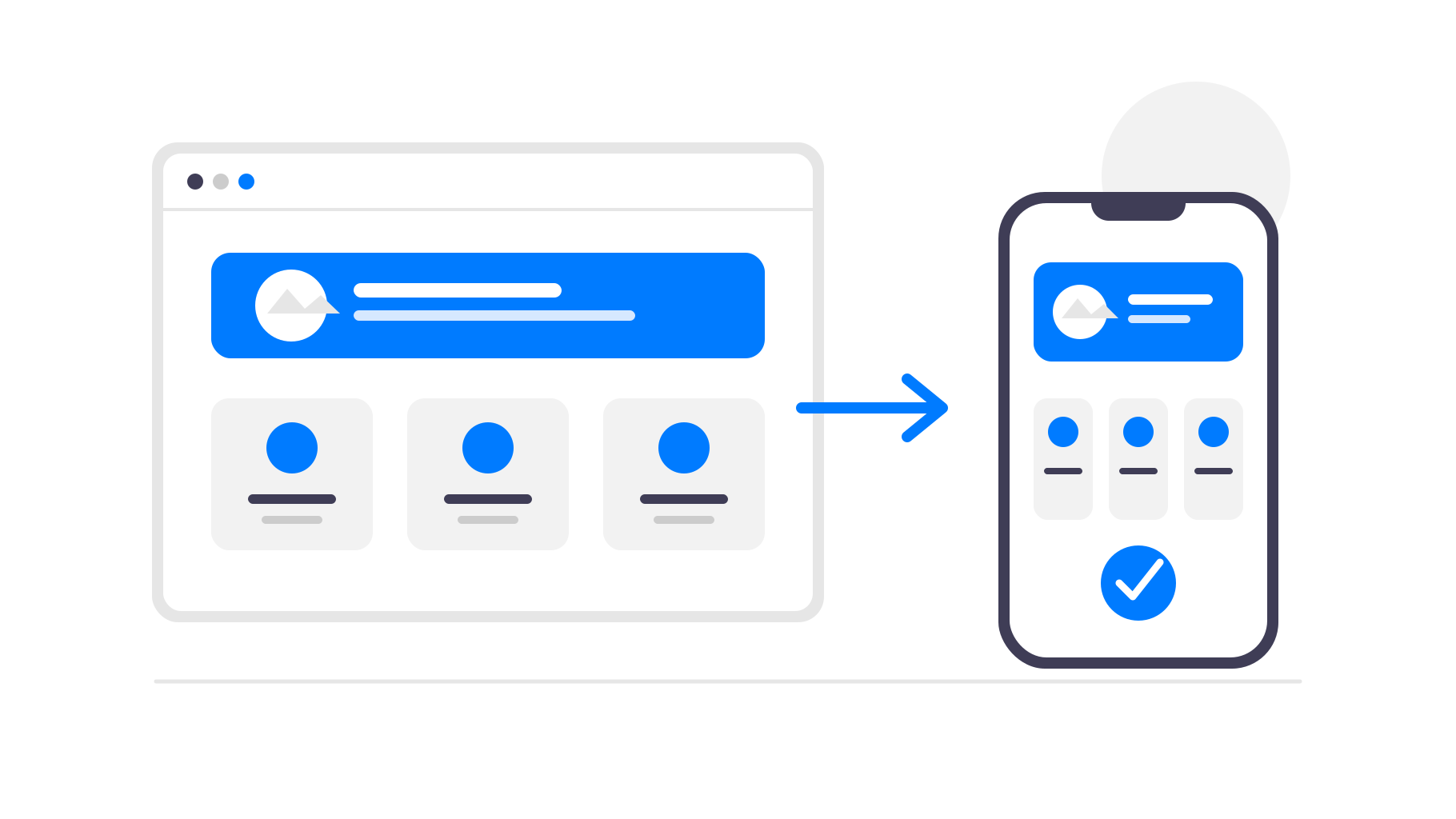
Een betere aanpak is om Shopify te blijven gebruiken als het systeem waarop je winkel draait en de bestaande mobiele website om te zetten in een app. Zo krijgen je klanten een installeerbare app uit de App Store en Google Play, terwijl jij je bedrijf net als voorheen in Shopify blijft beheren.
Wanneer een app voor je Shopify-winkel zinvol is
Een app op basis van je Shopify-winkel is vooral nuttig wanneer klanten regelmatig terugkomen. Modewinkels, cosmeticamerken, winkels voor eten en drinken, abonnementsproducten, nichecommunity's en winkels die vaak nieuwe producten lanceren, kunnen allemaal profiteren van een directe plek op de telefoon van de klant.
Voor een winkel die alleen af en toe een eenmalige aankoop ontvangt, is een app mogelijk minder belangrijk. In dat geval kan het verbeteren van de mobiele website en het afrekenproces meer effect hebben. Maar als terugkerende klanten centraal staan in je bedrijf, kan een app drempels wegnemen en je een extra kanaal bieden om hen te bereiken.
Het helpt ook als je al een klantenbestand hebt dat je over de app kunt vertellen. Je kunt de app promoten via je Shopify-thema, mailinglijst, socialmediakanalen, bijsluiters in verpakkingen of QR-codes in een fysieke winkel. Daarna kun je de app gebruiken om die klanten betrokken te houden.
Waarom zou je een Shopify-winkel omzetten in een app?
Klanten kunnen je winkel sneller openen
Een app staat op het startscherm van de klant. Klanten hoeven je domein niet te onthouden, een oud browsertabblad terug te vinden of opnieuw naar je winkel te zoeken. Met één tik gaan ze rechtstreeks terug naar je producten.
Ook verdwijnt de browser rond je winkel. Zonder tabbladen, adresbalken, bladwijzers en andere afleidingen voelt de winkelervaring gerichter en meer als een product dat volledig van jouw merk is.
Pushmeldingen helpen om klanten terug te laten komen
E-mail en advertenties zijn nuttig, maar het zijn drukbezette kanalen. Met een mobiele app kun je pushmeldingen versturen over nieuwe producten, uitverkopen, producten die weer op voorraad zijn of afgebroken winkeltrajecten.
Voor een Shopify-winkel is dat vooral nuttig omdat veel aankoopmomenten tijdgevoelig zijn. Een uitverkoop, tijdelijke productrelease, nieuwe voorraad of bijna verlopen korting kan klanten rechtstreeks op hun telefoon bereiken, zonder opnieuw voor advertentieverkeer te betalen.
Aanwezigheid in de App Store wekt vertrouwen
Aanwezigheid in de App Store en Google Play kan je merk een gevestigder imago geven. Voor winkels met trouwe klanten, abonnementen, herhaalaankopen of een communitygerichte winkelervaring kan die extra aanwezigheid waardevol zijn.
Je app-pictogram houdt je merk ook tussen aankopen door zichtbaar. Klanten openen je website misschien niet elke dag, maar zien je winkel wel op hun telefoon wanneer ze door hun apps bladeren.
Je hoeft Shopify niet opnieuw te bouwen
Shopify biedt je al een mobielvriendelijke webwinkel en een betrouwbaar afrekenproces. Als je dit opnieuw maakt in een afzonderlijke appbouwer, leidt dat tot meer configuratie, meer onderhoud en meer plekken waar je productgegevens of ontwerp niet meer synchroon kunnen lopen.
Met webtoapp.design blijft je Shopify-winkel de enige gegevensbron. De app laadt je bestaande winkel in een native mobiele container en voegt daar appspecifieke functies aan toe. Producten, prijzen, collecties, thema's, apps en het afrekenproces blijven via Shopify werken.
Wanneer je je thema bijwerkt, een product toevoegt, prijzen wijzigt of een uitverkoop in Shopify publiceert, verschijnen die wijzigingen automatisch in de app. Voor normale wijzigingen aan je winkel hoef je geen app-update in te dienen.
Dat is de belangrijkste reden waarom deze aanpak zo goed bij e-commerce past. Je blijft Shopify gebruiken voor de onderdelen die het al betrouwbaar afhandelt, terwijl de app-laag zich richt op distributie, klantbehoud en mobiel gemak.
Hoe zit het met de Shopify-checkout en de regels van appstores?
Voor normale Shopify-winkels die fysieke goederen of buiten de app gebruikte diensten verkopen, kan het afrekenproces meestal op Shopify blijven. Je hoeft dit niet te vervangen door in-appaankopen van Apple of Google alleen omdat de winkel in een app beschikbaar is.
Er zijn nog steeds beoordelingsregels voor apps die je moet volgen, met name voor appbeschrijvingen, schermafbeeldingen, inloggen op accounts en producten waarvoor beperkingen gelden. Daarom is ondersteuning bij het publiceren belangrijk: de app moet de winkel duidelijk presenteren en claims of inhoud vermijden die tot vermijdbare problemen tijdens de beoordeling kunnen leiden.
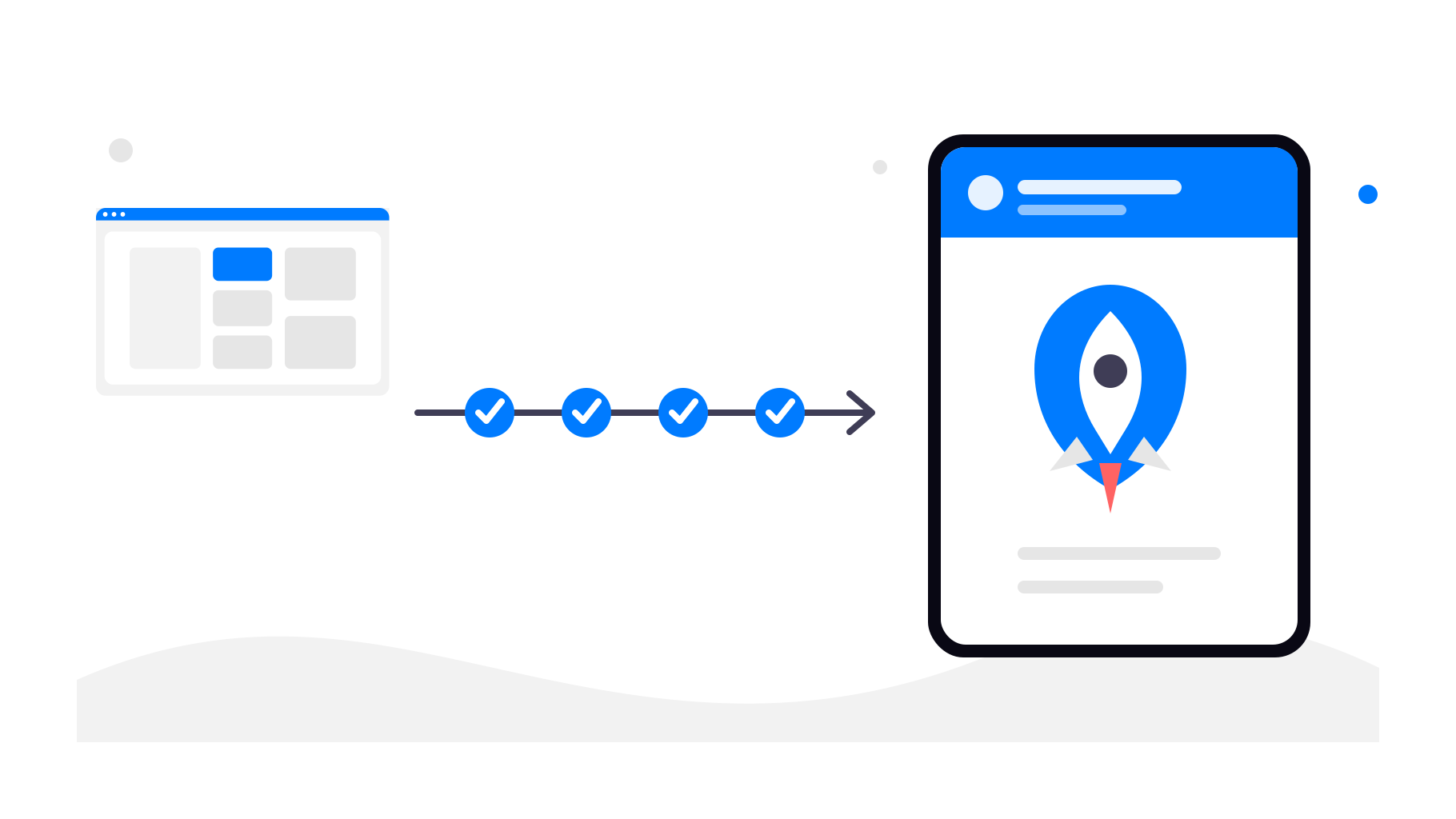
Zo werkt het omzetten van een Shopify-winkel
Stap 1 - Gebruik je bestaande Shopify-URL
Je begint met de openbare URL van je Shopify-winkel. Dit kan je eigen domein of een door Shopify gehost domein zijn. De app gebruikt die live webwinkel als basis.
Stap 2 - Configureer de app-ervaring
In webtoapp.design configureer je de onderdelen die de app een professionele uitstraling geven en bij je merk laten passen:
App naam
App icoon
Splash screen
Navigatie en appmenu's
Kleuren en basisstyling
Stap 3 - Voeg native appfuncties toe
Boven op je Shopify-webwinkel kun je native functies inschakelen, zoals:
App-links (je app automatisch openen wanneer er op een link naar je winkel wordt geklikt)
Je Shopify-producten, klantaccounts, winkelwagen en afrekenproces blijven ongewijzigd.
Je kunt ook trackinglinks voor pushmeldingen gebruiken. Zo zie je welke campagnes klanten terugsturen naar je winkel en welke promoties daadwerkelijk tot bestellingen leiden.
Stap 4 - Publiceer in de appstores
Nadat de app is geconfigureerd en getest, kun je deze publiceren met je Google Play-ontwikkelaarsaccount en Apple Developer-account. webtoapp.design begeleidt je bij de appstorevermeldingen, schermafbeeldingen, beoordelingsvereisten en technische publicatiestappen.
Tot slot
Je hoeft Shopify niet te vervangen om een mobiele app te hebben. Je kunt Shopify blijven gebruiken voor je winkel, het afrekenproces, bestellingen en dagelijkse werkzaamheden, terwijl webtoapp.design de mobiele app-laag verzorgt.
Als je Shopify-winkel al goed werkt op mobiele apparaten, is het omzetten ervan in een Android- en iOS-app een praktische manier om trouwe klanten snellere toegang, pushmeldingen en aanwezigheid in de appstores te bieden zonder je e-commercesysteem opnieuw te bouwen.