Shopify beherrscht die schwierigen Aspekte des E-Commerce bereits sehr gut: Produkte, Varianten, Warenkörbe, Checkout, Zahlungen, Rabatte, Versand, Steuern, Kundenkonten und Bestellverwaltung. Wenn dein Shop online ist und funktioniert, ist es meist der falsche Ansatz, all das als separate native App neu zu entwickeln.
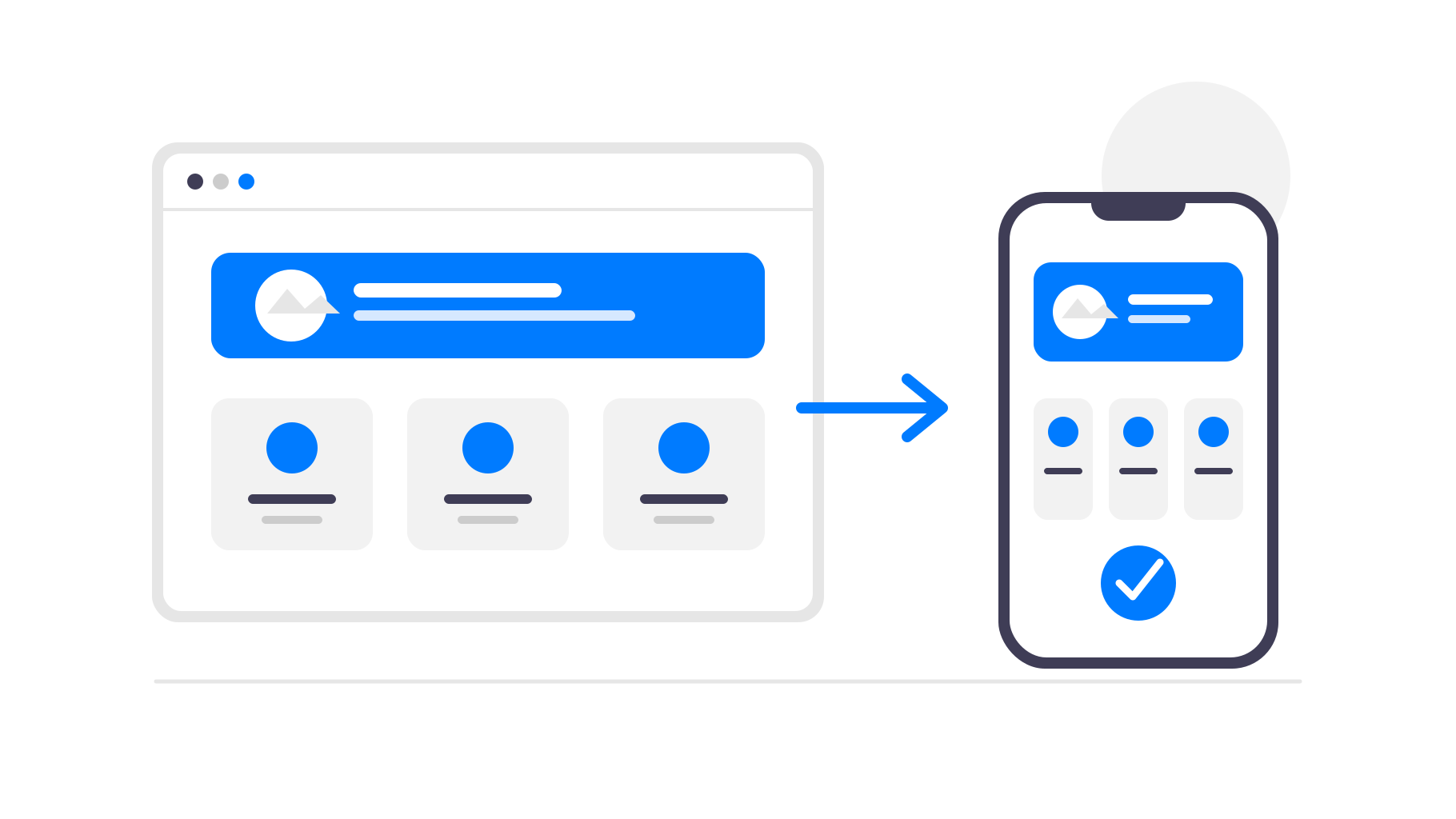
Ein besserer Ansatz besteht darin, Shopify weiterhin als System für deinen Shop zu nutzen und die bestehende mobile Website in eine App umzuwandeln. So erhalten deine Kunden eine installierbare App aus dem App Store und von Google Play, während du dein Unternehmen wie bisher in Shopify verwaltest.
Wann eine App für deinen Shopify-Shop sinnvoll ist
Eine App auf Basis deines Shopify-Shops ist besonders nützlich, wenn Kunden regelmäßig wiederkommen. Modeshops, Kosmetikmarken, Lebensmittel- und Getränkeshops, Abonnementprodukte, Nischen-Communitys und Shops mit häufigen Produktneuheiten können alle von einem direkten Platz auf dem Smartphone ihrer Kunden profitieren.
Für einen Shop, in dem Kunden nur gelegentlich einmalig einkaufen, ist eine App möglicherweise weniger wichtig. In diesem Fall kann die Optimierung der mobilen Website und des Checkout-Prozesses wichtiger sein. Wenn Stammkunden jedoch eine zentrale Rolle für dein Unternehmen spielen, kann eine App Hürden abbauen und dir einen weiteren Kanal bieten, um sie zu erreichen.
Hilfreich ist auch, wenn du bereits einen Kundenstamm hast, den du über die App informieren kannst. Du kannst sie in deinem Shopify-Theme, deinem E-Mail-Verteiler, deinen Social-Media-Kanälen, durch Paketbeilagen oder per QR-Code in einem Ladengeschäft bewerben und die App anschließend nutzen, um diese Kunden langfristig zu binden.
Warum solltest du einen Shopify-Shop in eine App umwandeln?
Kunden können deinen Shop schneller öffnen
Eine App befindet sich auf dem Startbildschirm deiner Kunden. Sie müssen sich weder deine Domain merken noch einen alten Browser-Tab suchen oder erneut nach deinem Shop suchen. Mit nur einem Tippen gelangen sie direkt zurück zu deinen Produkten.
Außerdem verschwindet die Browseroberfläche rund um deinen Shop. Ohne Tabs, Adressleisten, Lesezeichen und andere Ablenkungen wirkt das Einkaufserlebnis fokussierter und mehr wie ein eigenes Produkt deiner Marke.
Push-Benachrichtigungen bringen Käufer zurück
E-Mails und Anzeigen sind nützlich, aber diese Kanäle sind stark umkämpft. Mit einer mobilen App kannst du Push-Benachrichtigungen zu neuen Produkten, Rabattaktionen, wieder verfügbaren Artikeln oder abgebrochenen Einkäufen senden.
Für einen Shopify-Shop ist das besonders nützlich, weil viele Kaufgelegenheiten zeitlich begrenzt sind. Rabattaktionen, limitierte Produktveröffentlichungen, wieder verfügbare Artikel oder bald ablaufende Rabatte erreichen Kunden direkt auf ihren Smartphones, ohne dass du erneut für Werbetraffic bezahlen musst.
Präsenz in den App Stores schafft Vertrauen
Die Präsenz im App Store und bei Google Play kann deine Marke etablierter wirken lassen. Für Shops mit treuen Kunden, Abonnements, wiederholten Käufen oder einer Community, die das Einkaufserlebnis prägt, kann diese zusätzliche Präsenz sehr wertvoll sein.
Dein App-Symbol sorgt außerdem dafür, dass deine Marke zwischen den Einkäufen sichtbar bleibt. Kunden öffnen deine Website vielleicht nicht jeden Tag, sehen deinen Shop aber trotzdem auf ihrem Smartphone, wenn sie ihre Apps durchsehen.
Du musst Shopify nicht neu entwickeln
Shopify bietet dir bereits eine für Mobilgeräte optimierte Shop-Oberfläche und einen zuverlässigen Checkout. Wenn du das in einem separaten App-Baukasten neu erstellst, entstehen mehr Einrichtungs- und Wartungsaufwand sowie zusätzliche Stellen, an denen deine Produktdaten oder dein Design nicht mehr synchron sein können.
Mit webtoapp.design bleibt dein Shopify-Shop die zentrale Datenquelle. Die App lädt deinen bestehenden Shop in einem nativen mobilen Container und ergänzt ihn um appspezifische Funktionen. Produkte, Preise, Kollektionen, Themes, Apps und der Checkout funktionieren weiterhin über Shopify.
Wenn du dein Theme aktualisierst, ein Produkt hinzufügst, Preise änderst oder eine Rabattaktion in Shopify veröffentlichst, erscheinen diese Änderungen automatisch in der App. Für normale Änderungen am Shop musst du kein App-Update einreichen.
Das ist der Hauptgrund, warum dieser Ansatz so gut zum E-Commerce passt. Du nutzt Shopify weiterhin für die Aufgaben, die es bereits zuverlässig erledigt, während sich die App-Ebene auf Verbreitung, Kundenbindung und eine komfortable mobile Nutzung konzentriert.
Was ist mit dem Shopify-Checkout und den Regeln der App-Stores?
Bei normalen Shopify-Shops, die physische Waren oder außerhalb der App genutzte Dienstleistungen verkaufen, kann der Checkout in der Regel bei Shopify bleiben. Du musst ihn nicht durch In-App-Käufe von Apple oder Google ersetzen, nur weil der Shop innerhalb einer App verfügbar ist.
Es gelten weiterhin Regeln für die App-Prüfung, insbesondere in Bezug auf App-Beschreibungen, Screenshots, die Kontoanmeldung und eingeschränkte Produkte. Deshalb ist Unterstützung bei der Veröffentlichung wichtig: Die App sollte den Shop klar präsentieren und Aussagen oder Inhalte vermeiden, die zu vermeidbaren Problemen bei der Prüfung führen können.
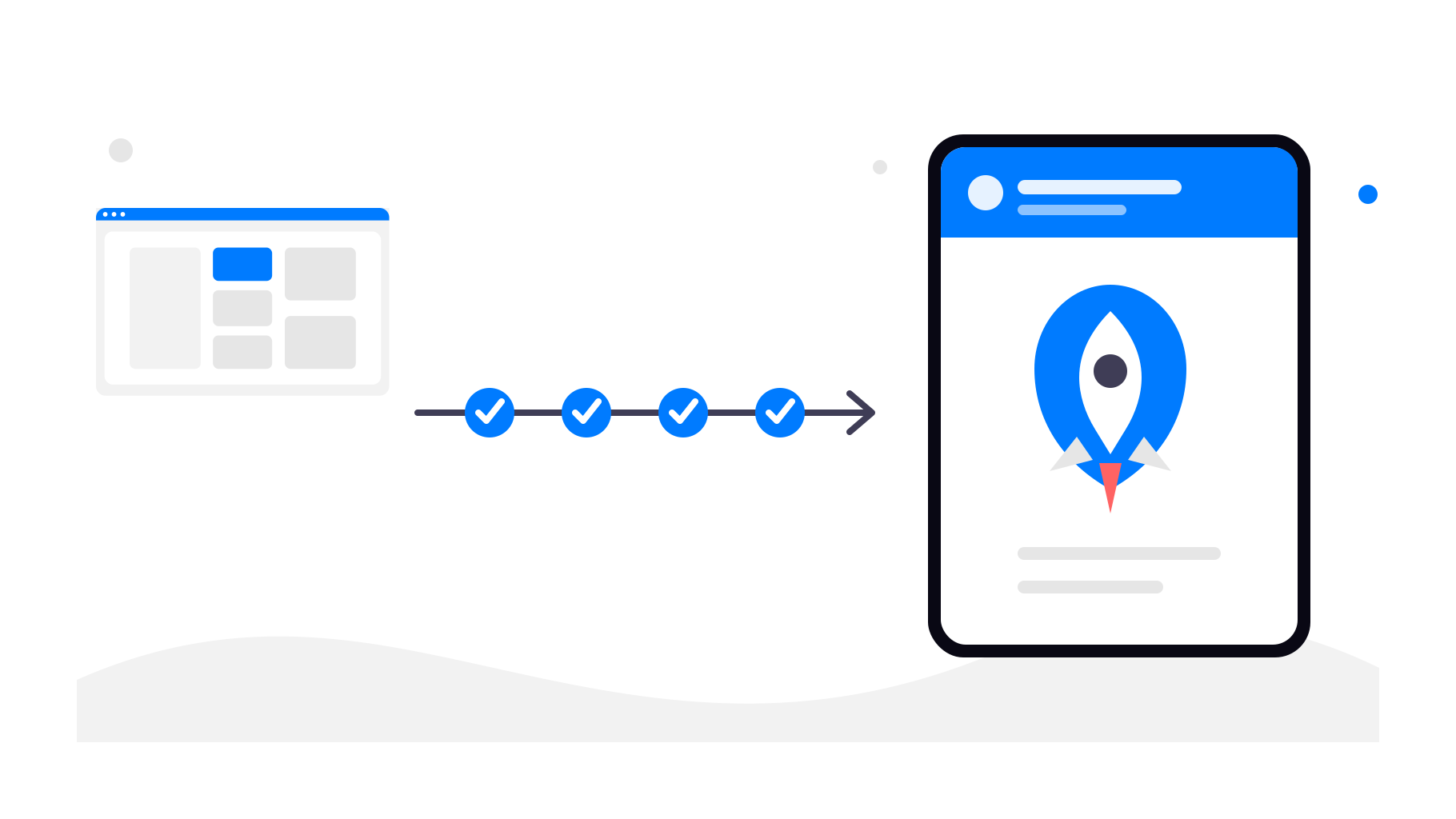
So funktioniert die Umwandlung eines Shopify-Shops
Schritt 1 – Verwende deine bestehende Shopify-URL
Du beginnst mit der öffentlichen URL deines Shopify-Shops. Das kann deine eigene Domain oder eine von Shopify gehostete Domain sein. Die App verwendet diesen Live-Shop als Grundlage.
Schritt 2 – Konfiguriere das App-Erlebnis
In webtoapp.design konfigurierst du die Elemente, die dafür sorgen, dass die App professionell wirkt und zu deiner Marke passt:
Name der Anwendung
App-Icon
Splash Screen
Navigation und App-Menüs
Farben und grundlegendes Styling
Schritt 3 – Füge native App-Funktionen hinzu
Zusätzlich zu deinem Shopify-Shop kannst du native Funktionen aktivieren, wie zum Beispiel:
App-Links (deine App automatisch öffnen, wenn auf einen Link zu deinem Shop getippt wird)
Deine Shopify-Produkte, Kundenkonten, der Warenkorb und der Checkout bleiben unverändert.
Du kannst außerdem Tracking-Links für Push-Benachrichtigungen verwenden. So siehst du, welche Kampagnen Käufer zurück in deinen Shop bringen und welche Werbeaktionen tatsächlich zu Bestellungen führen.
Schritt 4 – Veröffentliche die App in den App-Stores
Nachdem die App konfiguriert und getestet wurde, kannst du sie mit deinem Google Play-Entwicklerkonto und deinem Apple-Entwicklerkonto veröffentlichen. webtoapp.design führt dich durch die Store-Einträge, Screenshots, Anforderungen der App-Prüfung und die technischen Schritte der Veröffentlichung.
Fazit
Du musst Shopify nicht ersetzen, um eine mobile App anzubieten. Du kannst Shopify weiterhin für den Shop, den Checkout, Bestellungen und das Tagesgeschäft verwenden, während webtoapp.design die mobile App-Ebene übernimmt.
Wenn dein Shopify-Shop bereits gut auf Mobilgeräten funktioniert, ist die Umwandlung in eine Android- und iOS-App eine praktische Möglichkeit, treuen Kunden schnelleren Zugriff, Push-Benachrichtigungen und eine Präsenz in den App-Stores zu bieten, ohne dein E-Commerce-System neu zu entwickeln.