Apps in highly regulated sectors can only be published by organizational Apple developer accounts, not individual developer accounts. This includes industries like finance and healthcare.
To publish such an app, you need to convert your individual developer account into an organization account.
Another benefit of an organization Apple developer account is that it will show your company name (as opposed to your personal name) as the app developer in the App Store.
Convert your Individual Apple Developer Account to an Organization Account
Open the migration request form.
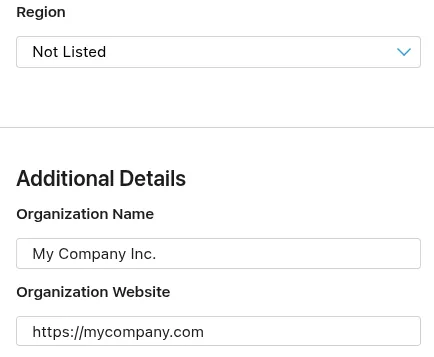
First, choose the country where your business is registered. Many countries are not listed; in that case, select "Not Listed" in the region that contains your country.
Next, fill out the organization name and website.
Afterwards, enter your company's DUNS number. You can follow this guide to find or request your D-U-N-S number.
Select that you are the founder or co-founder.
If you want to publish your apps under a different name than your company name, select that you use a fictitious name.
Select whether your company already has an Apple Developer account. Typically the answer should be no.
Lastly, you will need to specify what type of tax ID is associated with your current individual developer account.
Now submit the form. Apple will send you an e-mail to request documents that they need to verify the organization. Afterwards, your developer account will be converted. Once the conversion is complete, please also let us know the new name of your developer account so we can update our systems.
Submitting the app for review again
If this was the last or only app rejection reason, please follow these steps to submit your app for review again:
Go to the version page by clicking "Distribution" at the top of your screen or the version number in the menu on the left.

Now click the "Update Review" button at the top right.
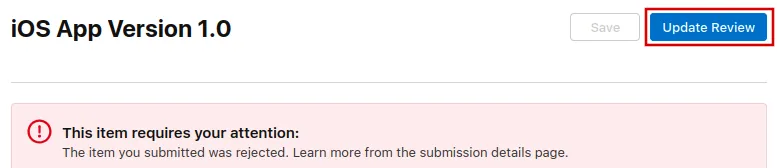
Afterwards, click "Resubmit to App Review" on the next page that opens.

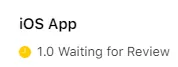
It should then say "Waiting for Review".