Aside from our own push notification service that you can use to send notifications via the dashboard or via our API we also offer a OneSignal integration.
What's the point?
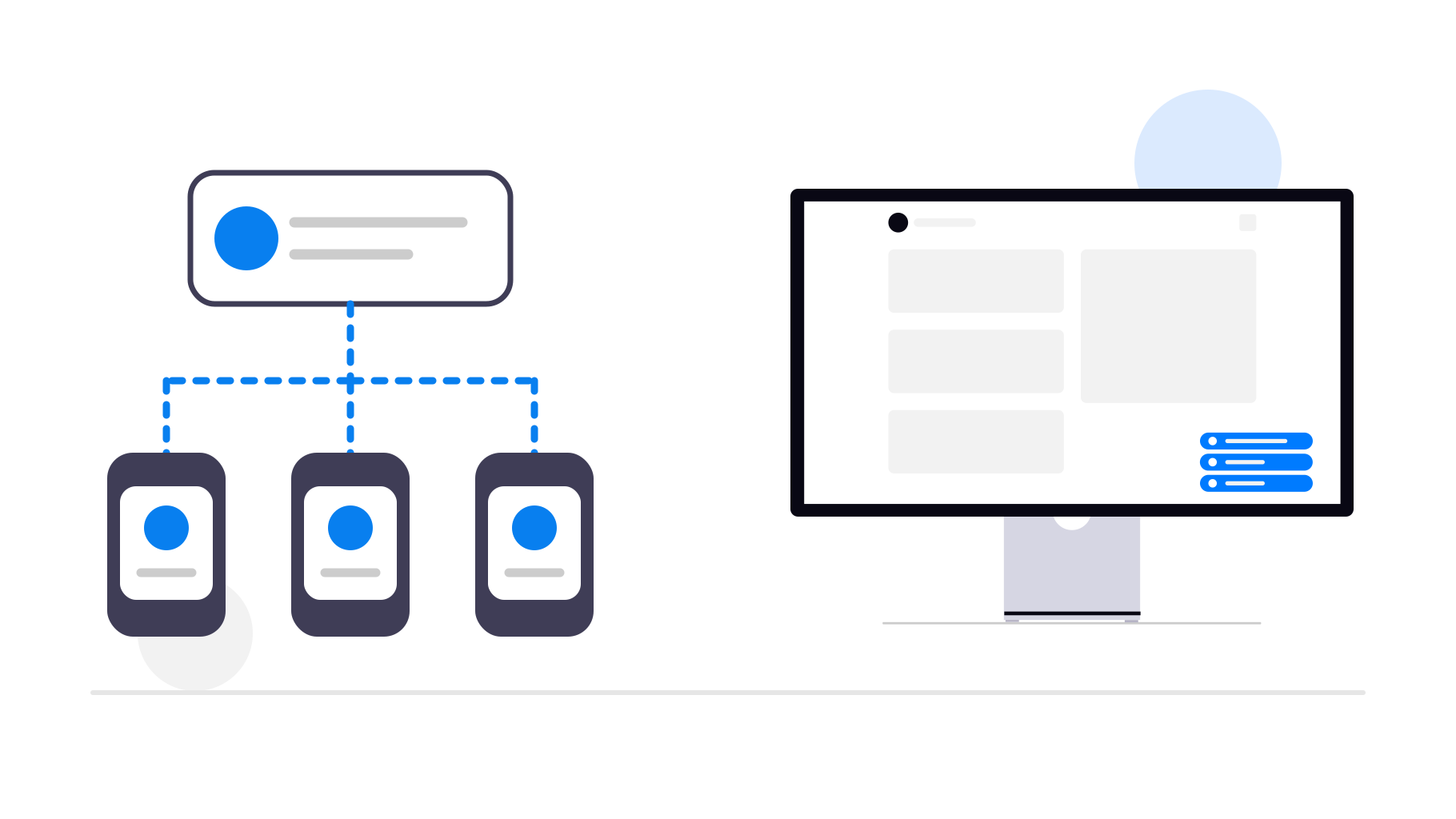
The main benefit is that many websites have an existing OneSignal interface (or can easily install a plugin) that will then automatically integrate with your app through OneSignal. That way if a user gets a notification on your website, they also get it as a real push notification in the app!
Our own, default push notification integration has the advantage that it's easy to set up (it happens completely automatically), but it's limited in the sense that you can only either manually send notifications or automatically send notifications via our API. Since using the API requires coding, it's out of reach for many people. OneSignal has the advantage that it has many integrations with website builders such as WordPress, Wix and more, while we only have a Zapier integration that allows for some limited automation without coding. Recently we have also created a WordPress plugin.
OneSignal of course also has its own API that might have other features than our API, so that might be interesting too if you're a developer.
Due to privacy reasons, we only offer a way of analyzing how many people click your push notifications, but OneSignal also tracks how many people received it, which might be useful information for you.
OneSignal also supports throttled delivery of notifications. This is useful if your app has lots of users and they overload your website because they all open the push notification at the same time. By having OneSignal stagger the delivery of the notification, you spread out the load on your servers.
Please note that some of these features are only available in paid OneSignal plans. Since you will need your own OneSignal account, you also need to pay that subscription yourself. We don't have a special relationship with OneSignal and don't set those prices.
How do I set it up?
- Enable the OneSignal integration in your push notification settings
- Start an app update
- As part of the update's app store publishing steps, you'll also be led through our OneSignal setup guides