You've entered that you track users in the privacy questionnaire in App Store Connect. The app however doesn't use the tracking permission, so Apple rejects the app.
To resolve the issue, go to the App Privacy section in App Store Connect.
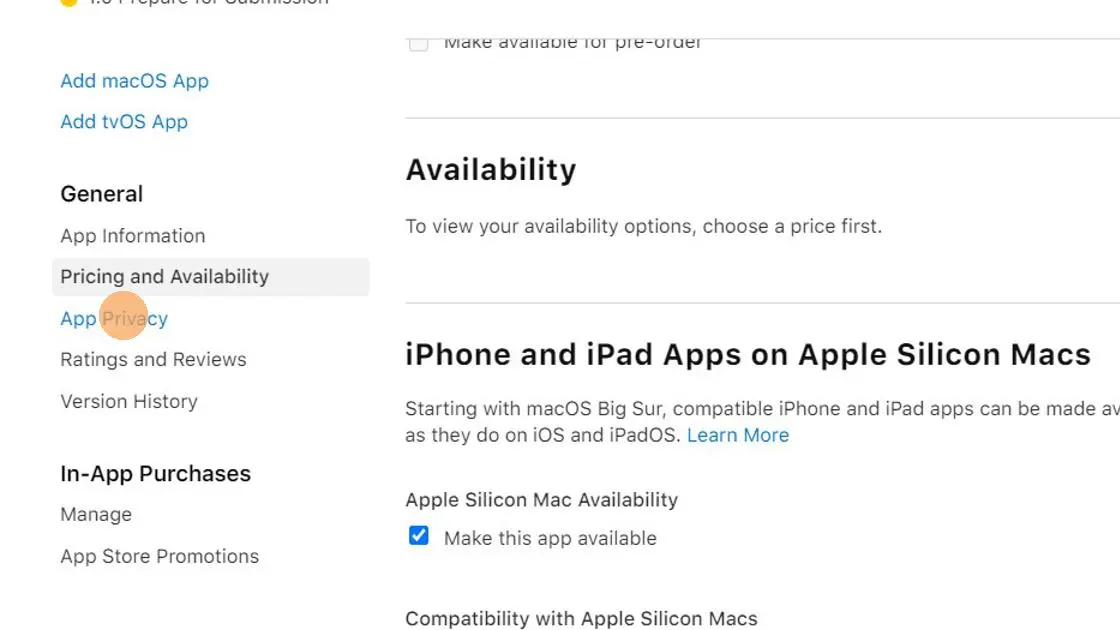
First check if all data types are really used by your app. If not, click the edit button and remove them.

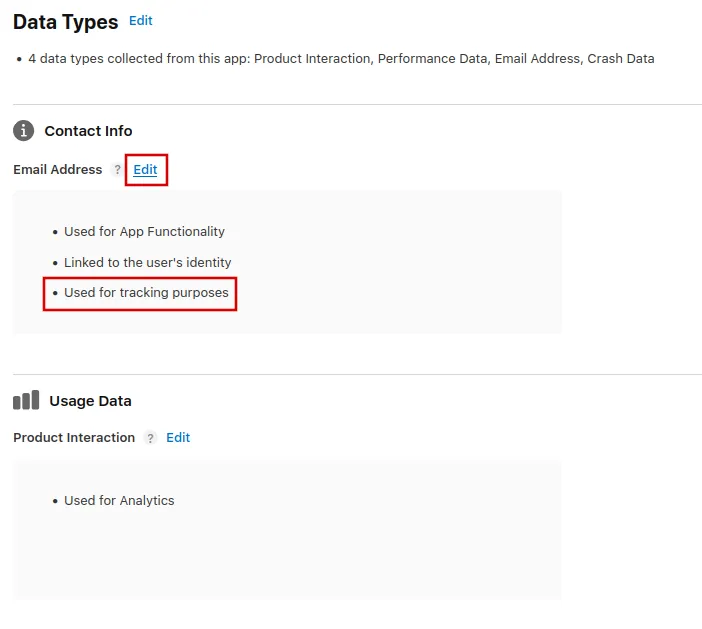
Go through each data type and check if it says "Used for tracking purposes". If yes, click "Edit" on it.
Click through the dialog that opens up and on the last page of it select that you don't use the data for tracking purposes.
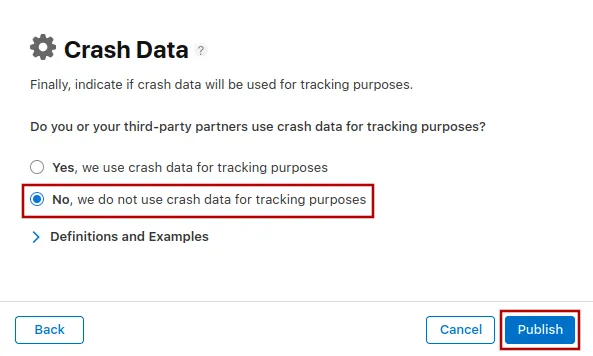
Repeat this for every data type that currently says “Used for tracking purposes” and edit it.
Submitting the app for review again
If this was the last or only app rejection reason, please follow these steps to submit your app for review again:
Go to the version page by clicking "Distribution" at the top of your screen or the version number in the menu on the left.

Now click the "Update Review" button at the top right.
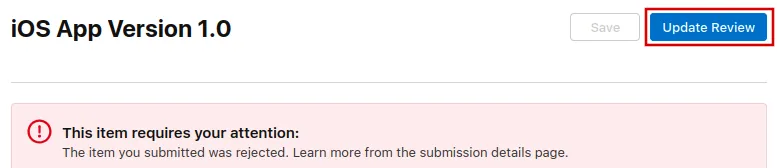
Afterwards, click "Resubmit to App Review" on the next page that opens.

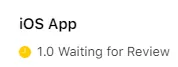
It should then say "Waiting for Review".