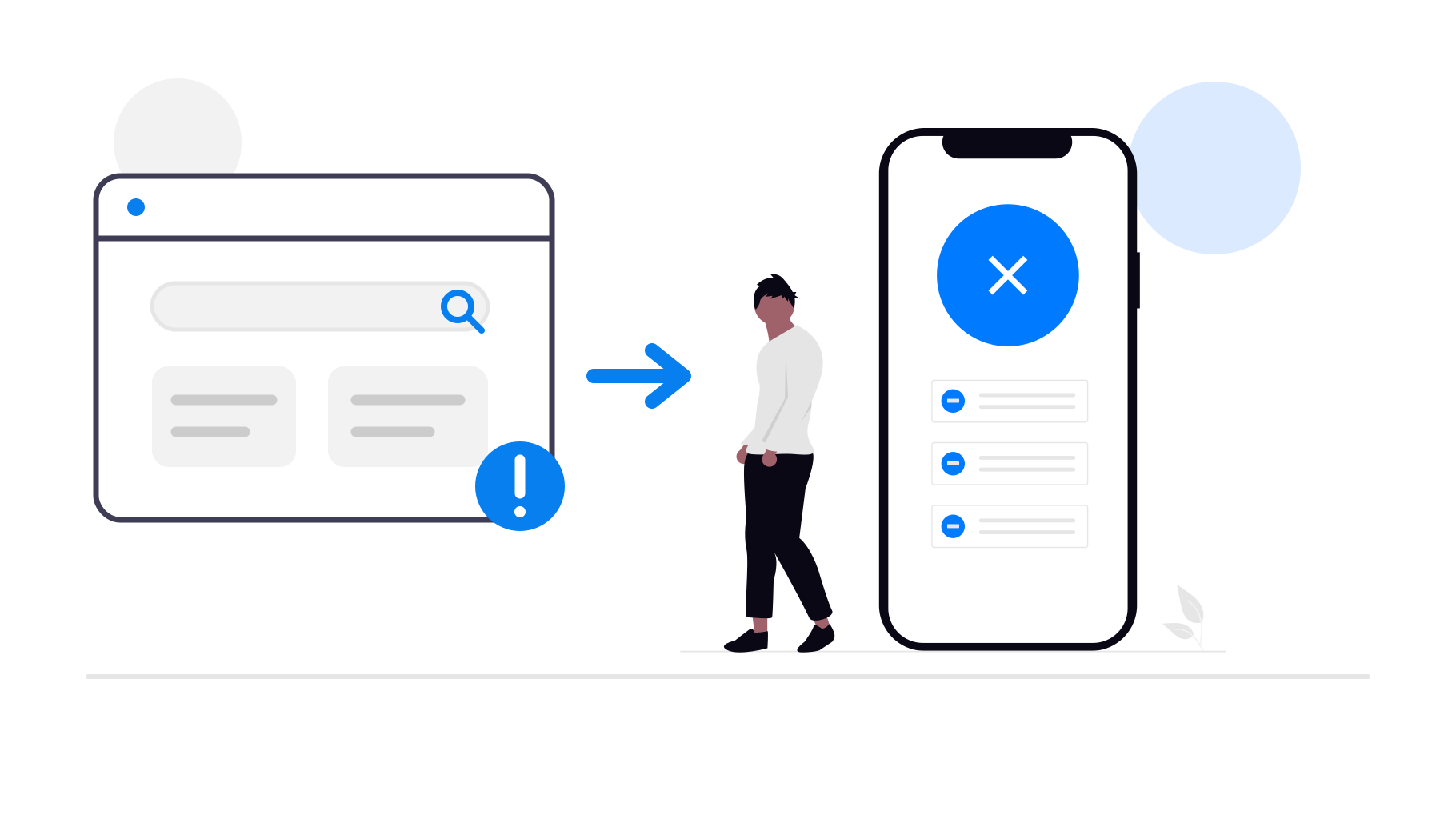
Publishing an app on the Apple App Store or Google Play Store is an exciting milestone. But what if, after all your hard work, you can't find your app in the store? Here are some common reasons why this happens and how to fix the underlying issue.
Newly Published Apps
Even after your app is approved and live, it can take some time for it to appear in app store search results. In the Apple App Store it's usually less than two days, but the delay is especially long on the Google Play Store if your app has a common name similar to other apps. There it can take up to a few weeks for your app to appear in the search results.
Instead of searching for your app by name, try using your app's direct app store link. You can find that link in your dashboard.You can also share that link with your users until your app can reliably be found through the search function.
Google Play Store
To troubleshoot why your app might have been removed from the Google Play Store, check if there are any notices on the following pages in your Google Play Console:
- Check the app overview page.
- Check the "Policy status" page of your Google developer account.
- Check the "Policy status" page of your app.
If you see an issue on one of those pages, click on it to find out more about how to resolve it. You can also contact us for help. In the sections below, we'll cover common problems.
Account Closed Due to Inactivity
Google marks your developer account as inactive if you don't update your app every six months. If you miss the warning e-mails, your developer account will be closed and your app will be removed from the Google Play Store. If your account was closed, you will see a message like this in the Google Play Console.
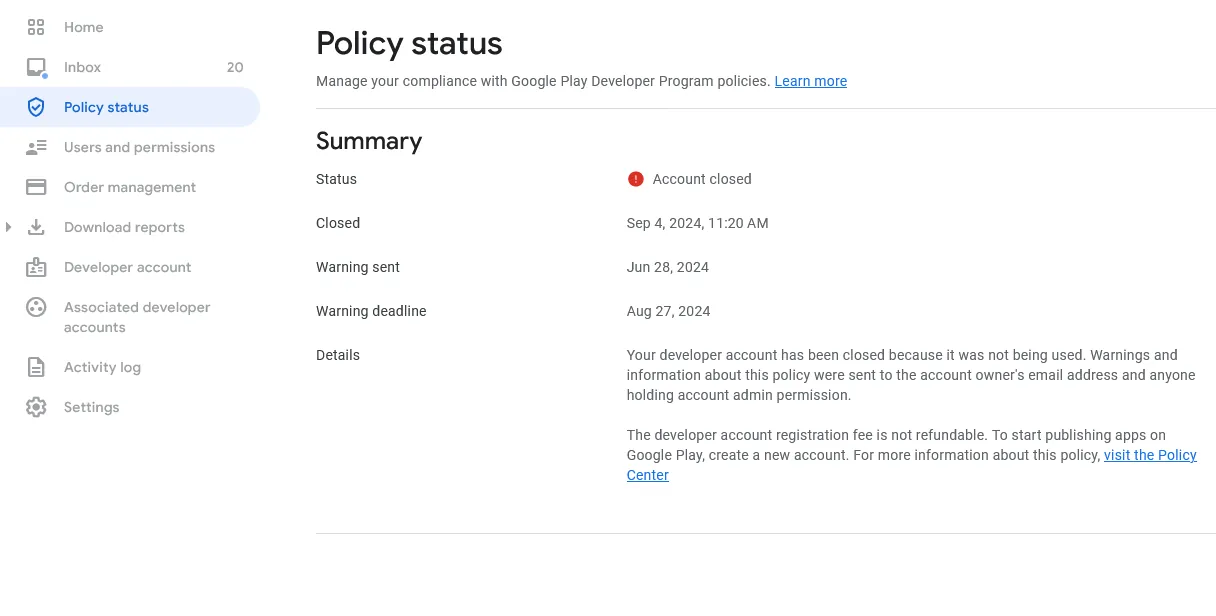
Unfortunately, the account can't be restored. Please contact us to publish your app in a new Google developer account.
Identity Verification Issues
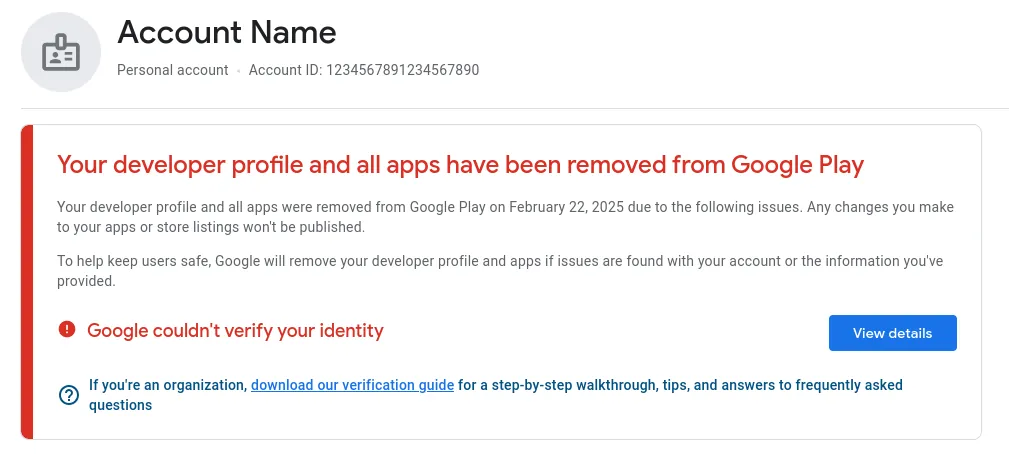
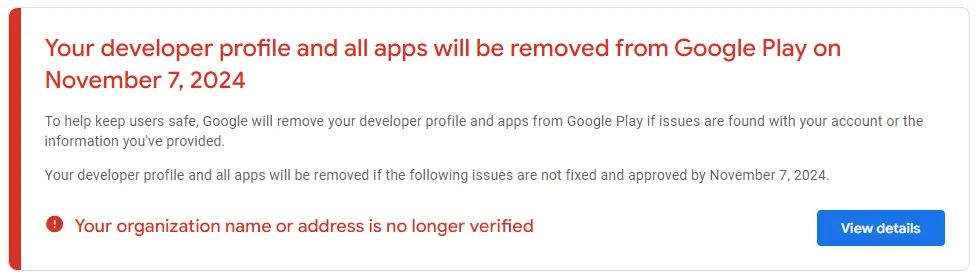
Google sometimes requires you to verify your (business) identity. This can happen if Google's verification standards changed or if they noticed that your account details (such as your address) are no longer up to date. If you don't complete the verification before the deadline, Google might remove your app from the app store. In this case, you can typically verify your identity now by clicking "View details" and the app will be available again once Google has checked the documents you uploaded.
Apple App Store
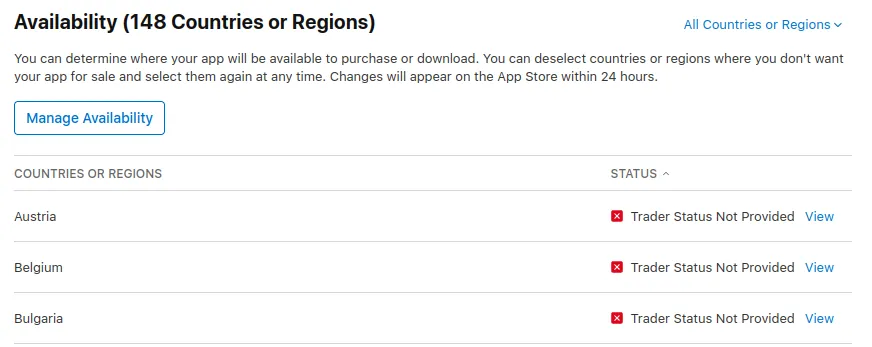
Trader Status Not Provided
If you want to make your app available in the EU, Apple requires you to declare your trader status before your app can be listed. To see if this is what's causing you to not find your app in the App Store, follow these steps:
Select your app in App Store Connect.
In the menu on the left, click "Pricing and Availability" and then "Manage".
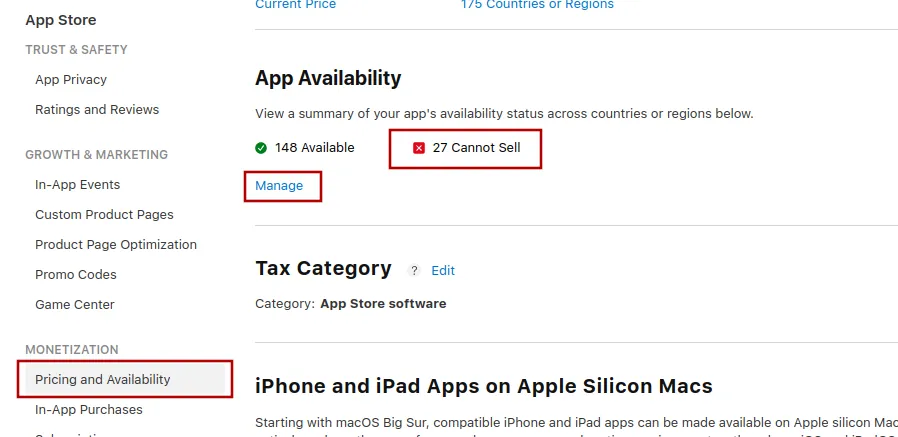
If you see the message "Trader Status Not Provided", follow this guide to enter your trader status.
Developer Account Expired
Your Apple Developer Program membership must be renewed annually. If you forget to renew it, your apps will be removed from the App Store until you complete the payment.
Check your membership status in Apple Developer.
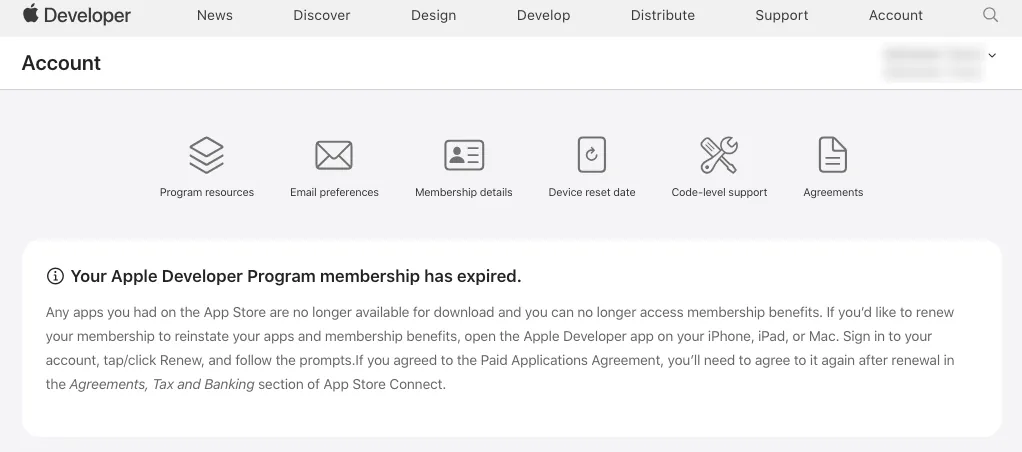
If it expired, renew your subscription. To avoid this issue in the future, set up automatic renewal while you're making the payment.
App Removed due to Inactivity
If you haven’t updated your app in three years, Apple may remove it from the store. To check if this happened to your app, follow these steps:
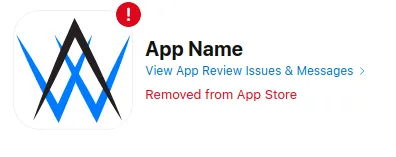
Open the App Store Connect app overview and select your app. You might already see a message that your app was removed from the App Store.
On the left side, select "App Review". If you see messages in there that the app was removed because it wasn't updated, that confirms that this is the reason why you can't find your app in the App Store.
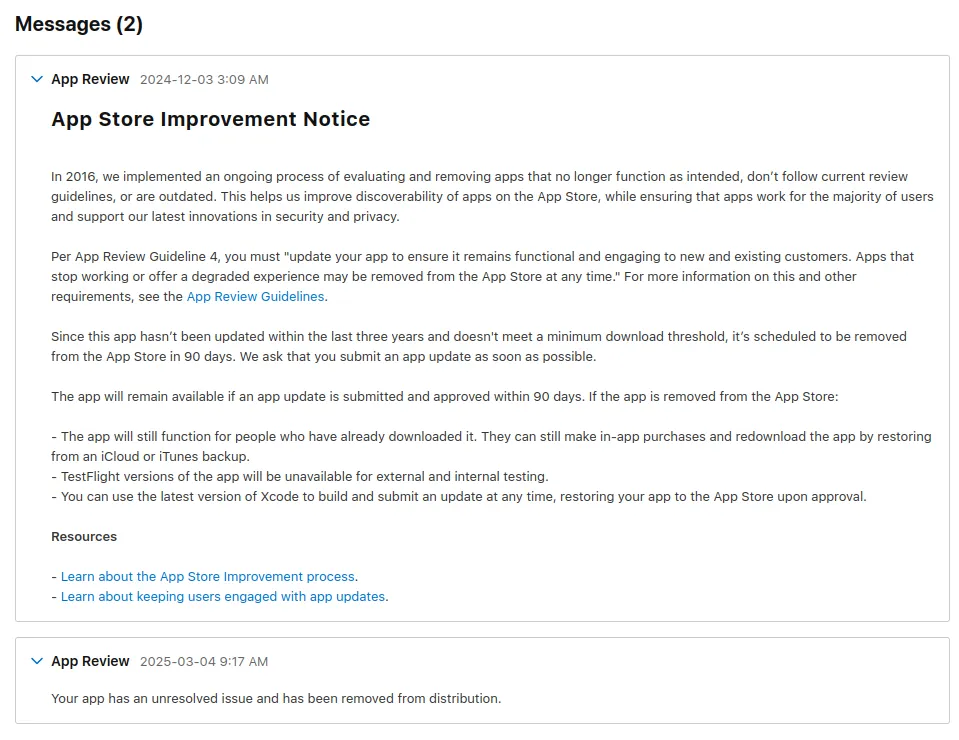
Compared to Google who closes the whole developer account, this is no big deal. You can start an iOS app update in your webtoapp.design dashboard. Once the update is published, your app will become available in the App Store again.